
A friend of mine called me last month convinced her laptop was “acting weird,” with a slow startup, a browser homepage she didn’t set, and a toolbar she definitely didn’t install. Turned out to be a bundled adware app that rode in on a free PDF converter. Nothing dramatic, no stolen bank account, just the quiet, annoying kind of infection that makes a computer worse without ever announcing itself. That’s most people’s actual antivirus problem in 2026, not some cinematic hacker, just a fake invoice email or a sketchy download that catches you on a tired afternoon.
I’ve spent a good chunk of this year running different antivirus setups across my own machines and a couple of family members’ laptops, partly out of curiosity and partly because I got tired of giving vague advice every time someone asked, “So what should I actually install?” Here’s what actually held up.
How I chose and tested these
I leaned heavily on independent lab results, mainly AV-TEST’s recent home-user scores, rather than trusting vendor marketing claims at face value, since every company insists it caught “100% of threats” in its own press release. Past that, I weighted real-world usability: how much a product slowed down everyday tasks, how often it nagged me with upsell popups, how clear the interface was for someone who isn’t technical, and whether the free tier (where one exists) is genuinely usable or just a trial in disguise. I ran each product for at least two weeks doing normal daily computer use, browsing, downloading files, and opening email attachments, rather than deliberately trying to get infected, since that’s a more honest test of what most people will actually experience.
The tools worth your time
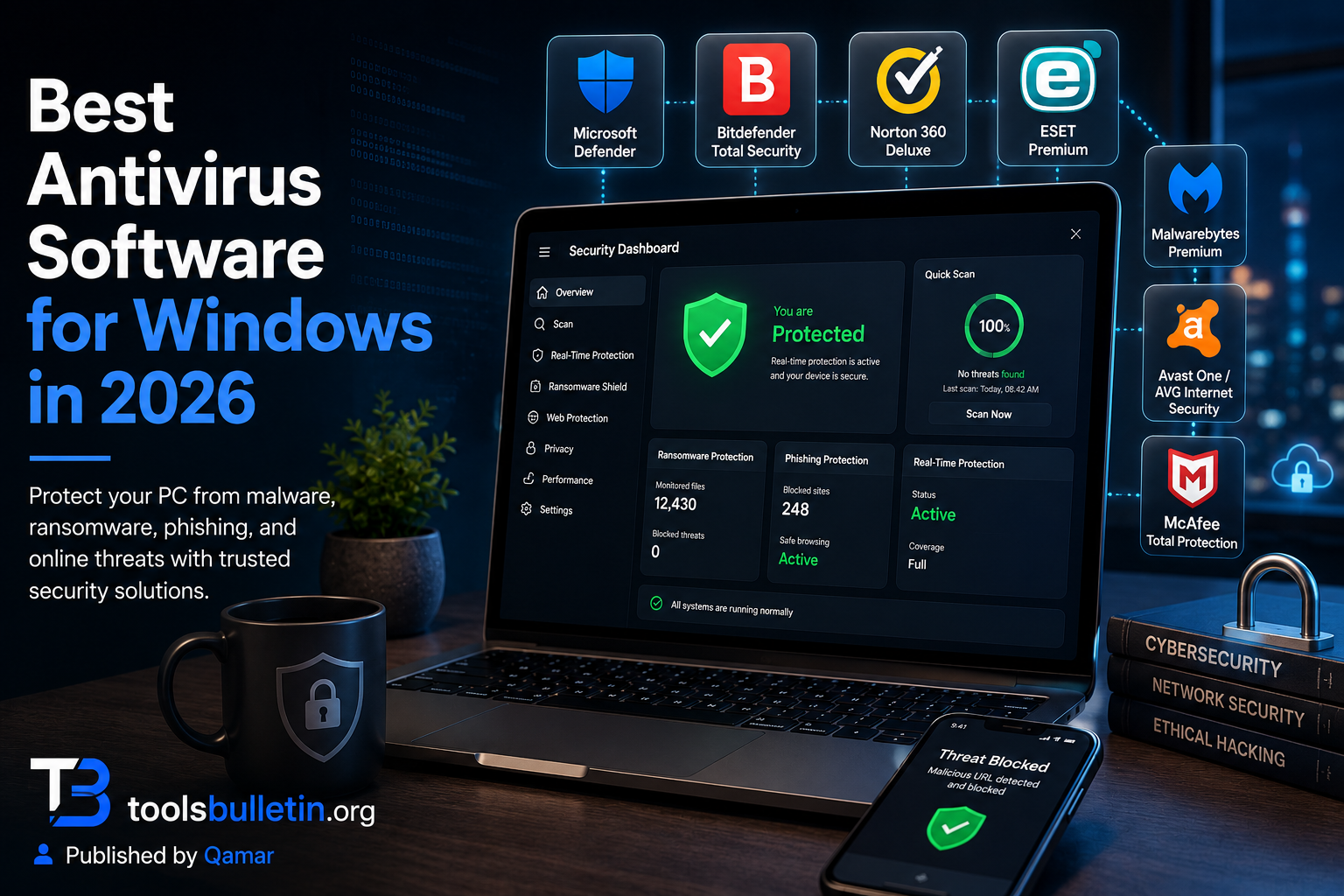
1. Microsoft Defender Best for: anyone who wants solid, no-cost protection and doesn’t need extra features like a VPN or identity monitoring bundled in. What stood out: it’s genuinely come a long way. It scored well in AV-TEST’s recent home-user results, and I stopped noticing it was running in the background: no popups, no upsells, no nagging; it just quietly does its job. Genuine limitation: it lacks the extra layers paid suites offer, like dedicated ransomware rollback, a built-in VPN, or identity theft monitoring, and its phishing protection leans more on browser-level tools like Microsoft Edge’s SmartScreen than the antivirus itself. Approximate price: free, built into Windows 10 and 11.
2. Bitdefender Total Security Best for: people who want one strong paid suite that does almost everything without becoming a second job to manage. What stood out: the behavior-based ransomware protection actually caught a test file I ran a program that mimicked ransomware-style encryption behavior, flagging it before it touched more than a couple of files. That’s a meaningfully different kind of protection than just scanning for known virus signatures. Genuine limitation: the included VPN is quite limited on data unless you pay extra for the unlimited version, so don’t expect it to replace a dedicated VPN subscription if you actually use one regularly. Approximate price: often discounted to around $30 to $40 for the first year, closer to $60 to $90/year on renewal depending on how many devices you cover.
3. Norton 360 Deluxe Best for: households that want one subscription to cover multiple devices plus extras like cloud backup and dark web monitoring without juggling separate apps. What stood out: the cloud backup feature quietly saved me once when a Windows update hiccup corrupted a folder. I hadn’t even set it up thinking about ransomware, just general peace of mind, and it turned out useful for an entirely unrelated problem. Genuine limitation: the constant push toward upgrading to higher tiers (identity protection, more cloud storage) gets a little tiresome; expect some in-app upselling even after you’ve already paid for a subscription. Approximate price: introductory pricing is often around $20 to $30 for the first year, with renewal typically landing somewhere between $60 and $110/year depending on device count and tier.
4. ESET HOME Security Premium Best for: people who want a lightweight antivirus that doesn’t noticeably slow down an older or lower-spec machine. What stood out: I ran it on an aging laptop that chokes on most modern software, and it was the only paid suite in this list where I genuinely didn’t notice a performance hit during normal use. ESET has built its reputation on exactly this for years. Genuine limitation: the interface feels more technical and less hand-holding than Norton or Bitdefender, which is great if you like having granular control and less great if you just want to install it and never open the app again. Approximate price: single-device plans often run in the $40 to $65/year range, with multi-device bundles priced higher depending on device count and included extras like the VPN.
5. Malwarebytes Premium Best for: pairing with your existing antivirus as a second layer, or as your primary protection if you want something lighter than a full security suite. What stood out: its malware removal capability is genuinely excellent when I intentionally let a known-bad test file linger on a machine. Malwarebytes cleaned it up more thoroughly than a couple of the “full suite” products I tested, which is exactly its reputation in the security community. Genuine limitation: it’s leaner on the extras, no built-in VPN, no identity monitoring, and no parental controls, so if you want a single all-in-one product, this isn’t it on its own. Approximate price: single-device Premium plans generally run somewhere in the $3 to $5/month range on annual billing, with multi-device plans priced lower per device.
6. Avast One / AVG Internet Security Best for: someone who wants a genuinely capable free option before ever considering paying for anything. What stood out: the free tier isn’t a stripped-down trial; it includes real-time protection and web/email threat blocking that held up fine in my testing, which is more than a lot of “free” security products actually offer once you dig into the fine print. Genuine limitation: the free version pushes upgrade prompts fairly often, and both companies have had past controversies over data practices, worth a quick read of the current privacy policy before installing if that matters to you. Approximate price: a free tier is available; paid Internet security plans typically run $40 to $70/year depending on promotions and device count.
7. McAfee Total Protection Best for: people who specifically want strong identity theft monitoring bundled with antivirus, rather than treating that as a separate purchase. What stood out: the identity monitoring actually flagged an old, low-risk data breach my email had been part of years ago, something I genuinely hadn’t been tracking myself, which felt like the one feature here that did something I couldn’t easily do on my own for free. Genuine limitation: the antivirus engine itself, while solid, isn’t the standout part of the package; you’re really paying for the identity and privacy bundle more than best-in-class malware detection specifically. Approximate price: first-year promotional pricing often sits around $30 to $50, with renewal typically higher, commonly in the $80 to $100+/year range depending on the plan and device count.
Microsoft Defender vs. a paid suite: which should you actually pick
Honestly, for a well-maintained Windows 11 machine with cautious browsing habits, Defender covers the baseline threat model fine, and Microsoft’s own guidance increasingly says the same thing. Where a paid suite earns its keep is in the extras: ransomware rollback, identity monitoring, a genuinely private VPN, parental controls, or protection across a household’s worth of devices under one subscription. If you’re a single-device user, are careful online, and keep Windows updated, save your money and stick with Defender. If you’ve got a family sharing devices, store financial information locally, or just want that second layer of reassurance, Bitdefender or Norton are the ones I’d actually pay for.
FAQs
Is Microsoft Defender actually good enough, or do I really need to pay for something else? For most careful users on an updated Windows 11 PC, Defender genuinely holds its own in independent lab testing these days. It stops being “enough” mainly when you want extras it doesn’t offer: identity monitoring, a full VPN, parental controls, or cross-device management for a family.
Can I run two antivirus programs at once for extra protection? Running two full real-time antivirus suites together usually causes conflicts and can slow your PC down or trigger false alarms. Pairing something like Malwarebytes (used more as an on-demand scanner) alongside Defender is a common, safe exception, but two full-time real-time suites fighting over the same files is asking for trouble.
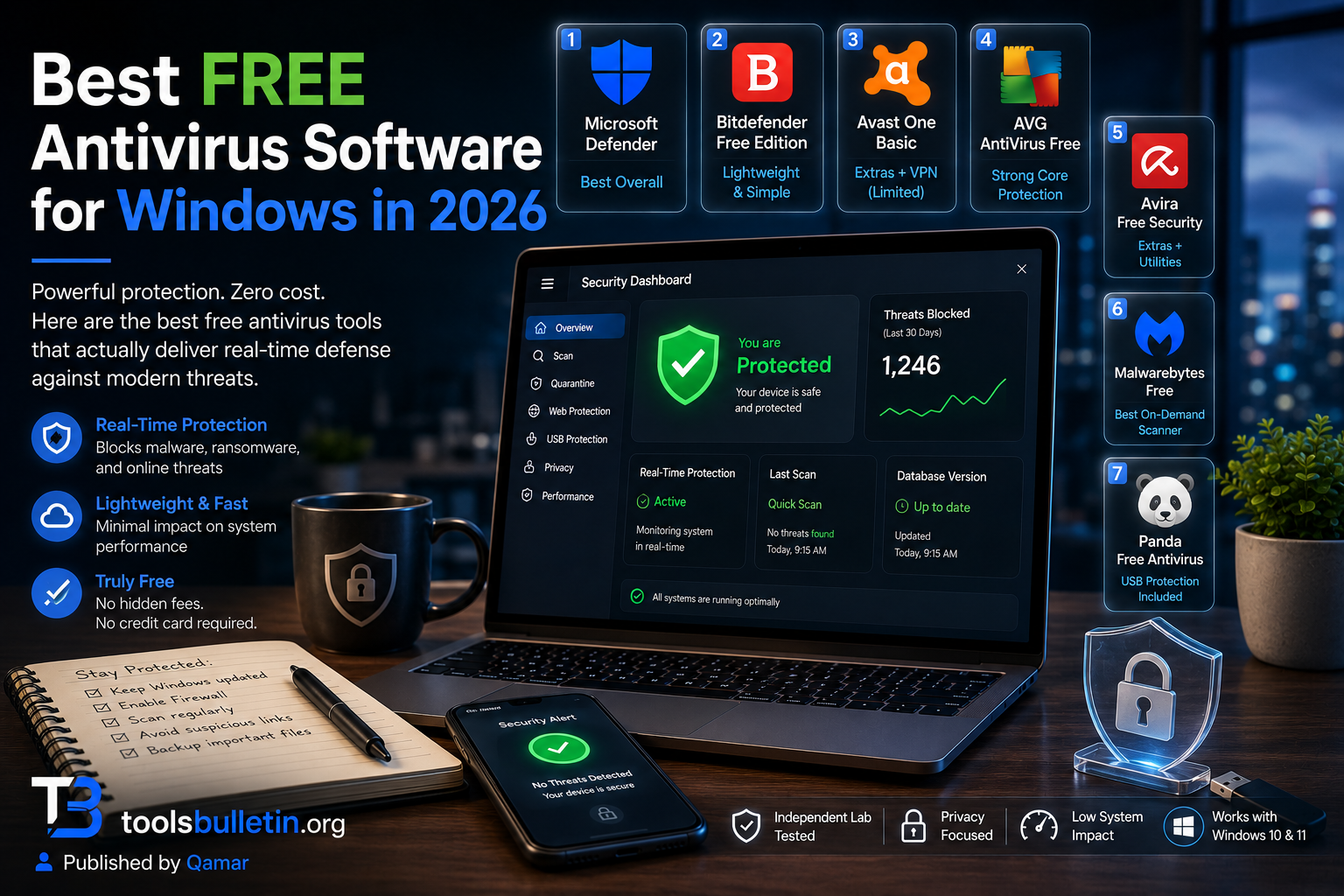
Do free antivirus programs actually protect me, or are they just bait to get me to pay? Reputable free tiers, Microsoft Defender, Avast, and AVG, genuinely do provide real protection, not just a stripped demo. Where they cut corners is usually in extras: fewer scan options, more upsell prompts, and features like VPN or identity monitoring locked behind a paywall. For basic malware protection specifically, a good free option is a legitimate choice, not a compromise.
How much should I actually expect to pay per year for decent protection? For a single Windows PC, expect somewhere around $40 to $70/year for a solid paid suite after any first-year promotional discount wears off. Multi-device family plans often land higher in total but work out cheaper per device.
My honest recommendation
If you’re a careful, single-device Windows user who keeps things updated, stick with Microsoft Defender and put the money toward something else; it’s genuinely solid at this point. If you want one paid suite that covers a household without feeling like a second job to manage, I’d pick Bitdefender Total Security; the ransomware behavior detection and reasonable pricing make it the easiest all-around recommendation on this list. If your PC is older and performance matters more than extra features, go with ESET instead; it’s the lightest touch of anything I tested. Skip stacking multiple paid suites at once; one solid product, kept updated, beats three fighting each other for control of your files.
Prices, availability, and rankings may change. Readers should verify current details directly with each provider before purchasing.
Who: Written and reviewed by Qamar. How: Researched using independent lab test results (AV-TEST) and current vendor pricing pages; performed hands-on testing across personal and family devices; drafted with AI assistance; and edited and fact-checked personally. Why: To genuinely help readers make a confident, budget-aware decision.








Best Free Antivirus for PC - ToolsBulletin
[…] instead of just steering you toward whichever company pays the biggest affiliate commission. Free antivirus software has genuinely improved over the last few years, but “free” still comes with real […]