
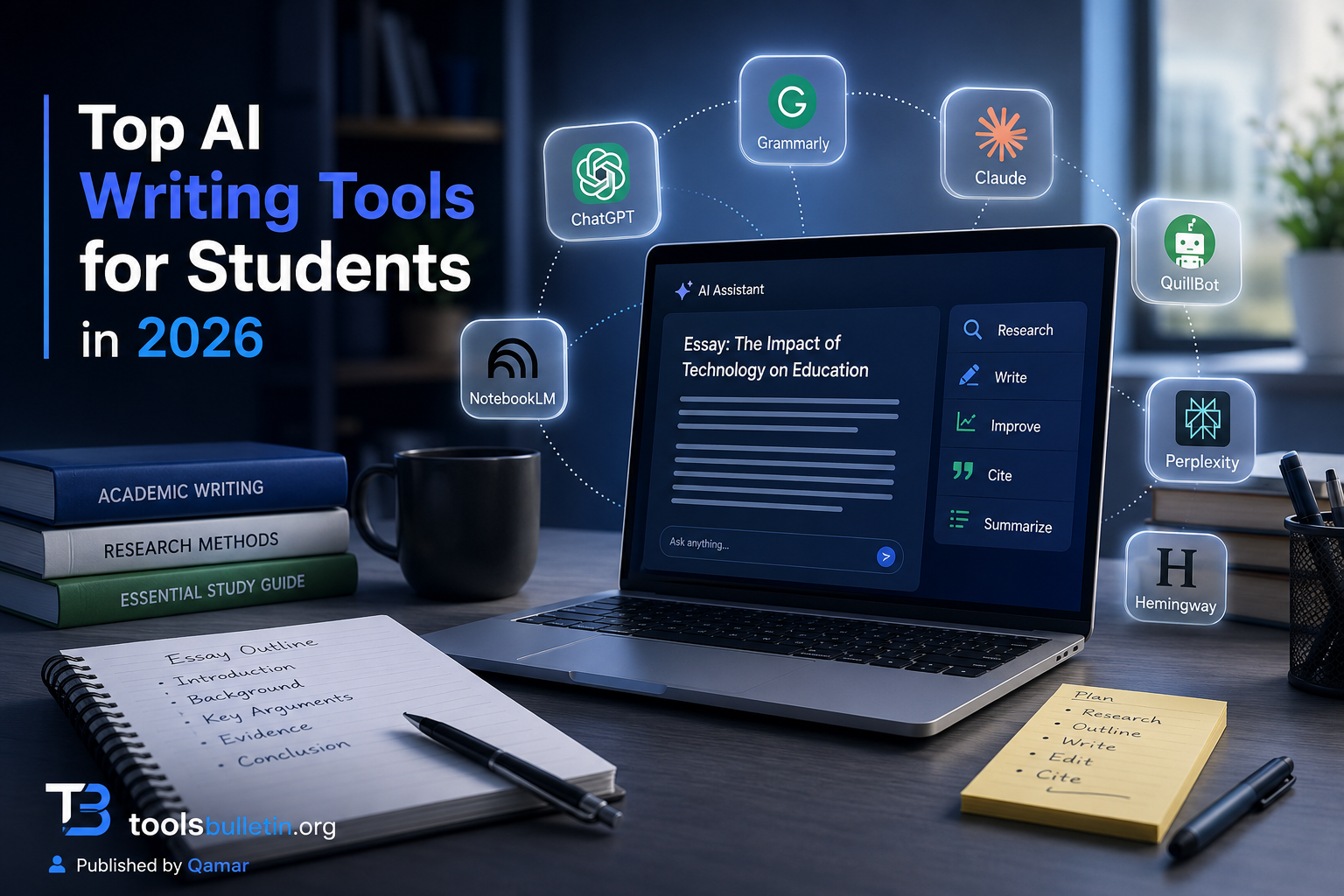
I get some version of this question in my inbox almost every week: “Which AI tool should I actually pay for as a student?” Usually it comes from someone who tried the free version of ChatGPT, got a mediocre paragraph back, and isn’t sure if the paid tools are worth the money on a student budget. Fair question. There are dozens of these tools now, half of them rebrands of the same underlying model, and picking wrong means wasting money you probably don’t have to spare.
I’ve spent the last few months testing these tools the way a student actually would: drafting essays, cleaning up citations, paraphrasing dense readings, and trying to catch grammar mistakes at 1am before a deadline. Some of them earned a permanent spot in my workflow. A couple didn’t survive the second week.
How I chose and tested these
I focused on tools that students realistically use for coursework, not generic “content generator” apps aimed at marketers. My criteria were the price relative to a student budget; how the free tier holds up under real use (not just a demo); whether the output actually improves writing versus just replacing it; and how each tool handles sources and citations, since that’s where a lot of academic trouble starts. I read through recent user reviews and pricing pages from each company, cross-checked claims where I could, and ran my own drafts and PDFs through each tool over several weeks. I did not get paid by any of these companies, and I’m not going to pretend every tool here is great, because two of them aren’t.
The tools worth your time
1. ChatGPT Plus Best for: general-purpose help across brainstorming, outlining, and studying, not just writing. What stood out: the Study Mode feature walks through a problem step by step instead of just spitting out the answer, which is the closest thing I’ve seen to an actual tutor in a chatbot. Uploading a lecture PDF and asking it to build a quiz from it worked better than I expected. Genuine limitation: it will confidently invent sources and page numbers if you ask it to cite anything. I caught it fabricating a journal citation that sounded completely plausible and didn’t exist. Never trust its citations without checking them yourself. Approximate price: around $20/month, with a usable free tier for lighter needs.
2. Claude is best for longer writing projects and editing your own drafts without it taking over your voice. What stood out: when I fed it a messy, half-finished essay and asked for feedback rather than a rewrite, it actually pointed out where my argument lost the thread instead of just rewriting the paragraph for me. That’s a genuinely different behavior from most chatbots. Genuine limitation: no built-in citation database, so like ChatGPT, you still need to verify any source it references against something real. Approximate price: free tier available; paid plans start around $20/month.
3. Grammarly Pro Best for: catching grammar, tone, and clarity issues in something you’ve already written. What stood out: the tone detector flagged a paragraph of mine as reading “irritated” when I genuinely didn’t intend that, which made me go back and soften the phrasing before submitting. That kind of nudge is hard to get from a friend proofreading your paper. Genuine limitation: it’s an editor, not a writer. It won’t help you figure out what to say, only how to say it more cleanly. It also had an awkward moment earlier this year when a feature briefly attached real writers’ names to AI-generated feedback without consent; Grammarly pulled it after backlash. Worth knowing if trust matters to you. Approximate price: roughly $12/month on the annual plan (regular monthly price is closer to $30); student discounts have been inconsistent, so check current offers before assuming one applies.
4. QuillBot Best for: paraphrasing dense academic text and running an academic-style rewrite pass. What stood out: the academic mode genuinely reads differently from the formal or simple modes, not just a synonym swap. I ran the same paragraph through all nine modes and could tell them apart without checking the label. Genuine limitation: the free plan caps you at 125 words per paraphrase, which is almost unusably short for a full paragraph, let alone a paper. You’ll hit that wall fast. Approximate price: premium runs roughly $8 to $10/month on annual billing, with student pricing sometimes dropping closer to $6/month with a verified .edu email.
5. NotebookLM Best for: making sense of a pile of readings, lecture recordings, or PDFs before you start writing. What stood out: I loaded three research PDFs and a lecture recording into one notebook, and the tool surfaced a connection between two of the sources I’d genuinely missed reading them separately. The audio overview feature, which turns your sources into a short discussion-style recap, is oddly effective for reviewing before an exam. Genuine limitation: everything you upload gets processed on Google’s servers, so it’s not the tool for anything sensitive or confidential. It’s also built for organizing and understanding sources, not for drafting your actual essay. Approximate price: free, with generous limits (100 notebooks, 50 sources each); paid tiers exist for heavier use, but most students won’t need them.
6. Perplexity is best for research where you actually want working citations attached to what it tells you. What stood out: Unlike ChatGPT’s tendency to invent sources, Perplexity links directly to the pages it pulled information from, so you can click through and verify immediately. That single difference changes how much I trust its output for early-stage research. Genuine limitation: it’s a research and summarization tool, not a writing tool. Ask it to write your essay, and the result reads noticeably flatter than a dedicated writing assistant. Approximate price: free tier is usable; Pro runs around $20/month if you need more searches per day.
7. Hemingway Editor Best for: tightening your own sentences after the draft is done. What stood out: it’s blunt in a useful way; it just highlights every overly complex sentence in orange or red without trying to rewrite it for you, which forces you to actually fix your own writing instead of outsourcing it. Genuine limitation: it has no idea what your essay is arguing. It only looks at sentence structure, so it will happily approve a grammatically clean sentence that makes no sense in context. Approximate price: free web version; the desktop app is a one-time purchase, roughly $20, no subscription.
ChatGPT vs. Claude: Which Should You Actually Pick?
This is the comparison I get asked about most, and honestly, it depends on what you’re doing. If you want one tool that also helps you study, prep for interviews, and organize your semester, ChatGPT Plus does more out of the box. If you’re specifically trying to improve a draft you’ve already written without it quietly rewriting your voice into something generic, Claude tends to hold back more and explain what’s wrong instead of just fixing it for you. I use both, honestly, depending on the task, but if I had to keep only one for pure essay editing, I’d keep Claude.
FAQs
Is it plagiarism to use AI writing tools for a paper? It depends entirely on how you use them and what your school allows. Using Grammarly to fix grammar is treated the same as spell check almost everywhere. Asking ChatGPT to write your essay and submitting it as your own work crosses into academic dishonesty at most institutions, and AI detection tools are catching this more often than students expect. When in doubt, ask your professor directly what’s allowed.
Can professors tell if I used AI to write my essay? Sometimes, and the tells are usually not the ones students expect, like oddly generic phrasing, a voice that doesn’t match your earlier work, or citations that don’t check out. AI detectors themselves are unreliable and produce false positives, so most professors rely on knowing your writing style over a semester rather than a detection tool alone.
Do I really need to pay, or is the free tier enough? For most students, the free tiers of ChatGPT, Claude, and NotebookLM cover casual use fine. You’ll feel the limits once you’re writing daily or working with long documents; that’s usually when Quillbot’s 125-word cap or Grammarly’s daily prompt limit starts to bite.
Which tool is best for citations specifically? None of the general chatbots are reliable for citations on their own. Perplexity is the closest thing to trustworthy here because it links its sources directly, but you should still verify anything before it goes in a bibliography.
My honest recommendation
If you’re a student trying to pick just one tool and stretch a tight budget, start with the free tiers of ChatGPT or Claude for brainstorming and drafting, add NotebookLM (also free) once you’re working through a stack of readings, and only pay for Grammarly Pro once you’re consistently submitting longer papers where the tone and clarity checks earn their keep. Quillbot is worth the student pricing specifically if paraphrasing dense academic sources is a recurring pain point for you, not a one-off assignment. Don’t pay for more than one general-purpose chatbot subscription at a time; the overlap in what ChatGPT Plus and Claude do isn’t worth double-paying for as a student.
Prices, availability, and rankings may change. Readers should verify current details directly with each provider before purchasing.
Who: Written and reviewed by Qamar. How: Researched using current pricing and feature information from each provider and independent reviews; drafted with AI assistance; edited and fact-checked personally. Why: To genuinely help readers make a confident, budget-aware decision.

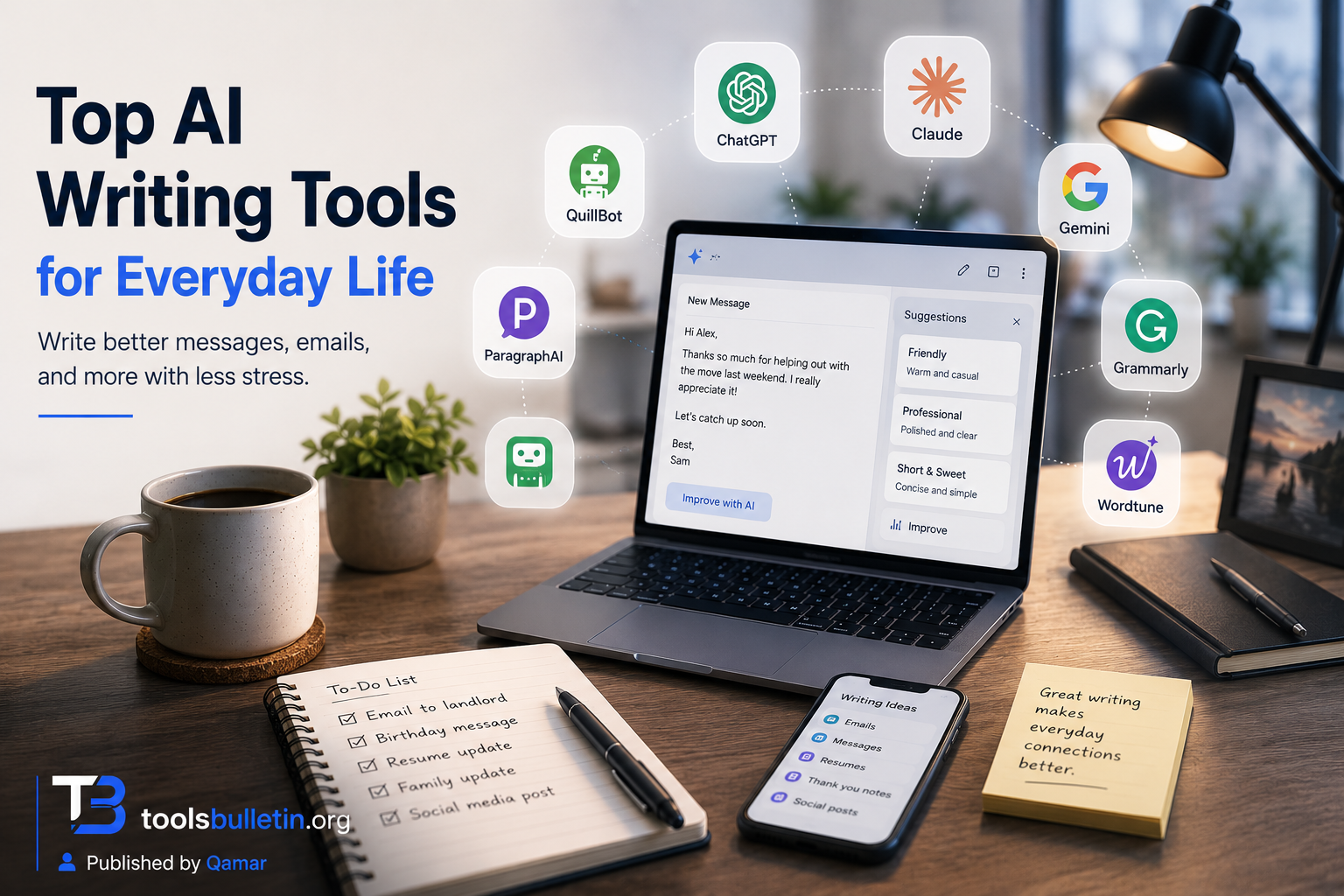




Top AI Writing Tools for Home Use in 2026 - ToolsBulletin
[…] started paying attention to which AI tools actually help with this kind of everyday writing, as opposed to the ones built for marketers or […]