
A client of mine, five people, no dedicated IT person, was sharing a single consumer VPN login across the whole team until one employee left and nobody thought to change the password for three months. Nothing bad happened, as far as we know, but that’s the kind of quiet risk small businesses carry when they treat a business VPN problem like a personal streaming subscription. It’s a genuinely different category of tool once more than one person and actual client data are involved.
I spent the last few weeks testing VPNs specifically from a small business angle, admin controls, team billing, how easy it actually is to onboard and offboard an employee, not just raw speed or whether it unblocks Netflix. A couple of these are worth setting up properly. One or two I’d actively steer a small business away from, however good they are for personal use.
How I chose and tested these
I focused on what separates a business VPN from a personal one: centralized admin controls (can you actually see and manage who’s connected), how painless it is to add or remove a team member without sharing one shared login, dedicated IP options for accessing business tools that whitelist specific addresses, pricing that scales sensibly per seat rather than punishing you for growing, and genuine security credentials, audited no-log policies, not just marketing claims. I set up team accounts where possible and walked through onboarding a fake new hire and offboarding a departing one in each platform, since that’s the actual daily friction point for a small business owner.
The tools worth your time
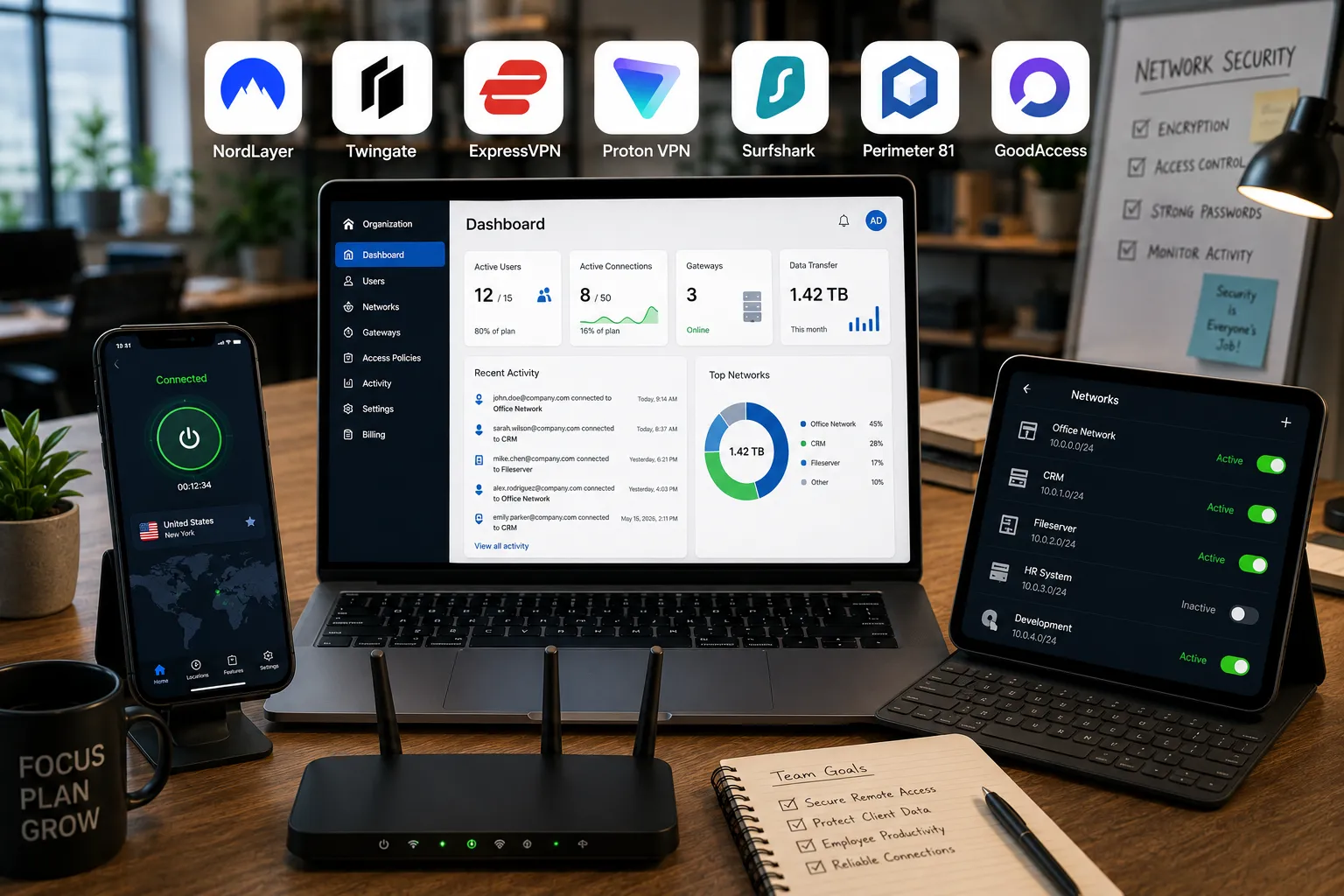
1. NordLayer Best for: small businesses that want a proper admin dashboard without needing a dedicated IT person to run it. What stood out: I added and removed a test user from the dashboard in under two minutes, with the option to restrict that user’s access to specific network segments rather than giving them blanket access to everything, which is exactly the kind of control a shared consumer VPN login simply can’t offer. Genuine limitation: it requires a minimum number of licenses on most plans (commonly five), so it’s not the cheapest option if your team is genuinely tiny, two or three people. Approximate price: business plans generally start around $6 to $8 per user per month, with a minimum seat count on most tiers.
2. Twingate Best for: small teams with some technical comfort who want to move away from a traditional VPN model toward more modern, granular access control. What stood out: the free tier genuinely supports up to five users and one admin with access to multiple remote networks, no credit card required to start, which let me test real functionality before committing to anything. Genuine limitation: it’s built around a somewhat different model than a classic VPN (zero-trust network access rather than a single tunnel), so there’s a bit more of a learning curve if your team has never worked with anything beyond a basic consumer VPN app. Approximate price: free for up to 5 users; paid Teams plan runs around $5 per user per month, expanding to more users and admins.
3. ExpressVPN for Business Best for: very small teams, roughly two to ten people, that want the simplicity of individual consumer-grade subscriptions without a complicated admin system to learn. What stood out: each team member effectively gets their own straightforward account, and the apps are genuinely the easiest of any provider I tested, which matters if you don’t want to spend a weekend training staff on new software. Genuine limitation: it lacks the centralized admin controls, SSO, and granular access restrictions that NordLayer or Perimeter 81 offer, it’s really individual subscriptions managed together rather than a true business platform. Approximate price: business plans generally run in a similar range to its personal plans per user, commonly cited around $7 to $10 per user per month depending on team size and billing term.
4. Proton VPN for Business Best for: small businesses in regulated fields, healthcare, legal, financial services, where compliance and jurisdiction genuinely matter. What stood out: Proton is based in Switzerland, outside US, UK, and EU surveillance frameworks, and every app is open-source and independently audited, which is a meaningfully different privacy posture than most competitors just claim in marketing copy. Genuine limitation: it’s pricier than budget options like Surfshark or Twingate, and its speed and device limits on lower business tiers are more restrictive than some competitors, you’re paying specifically for the privacy and compliance angle. Approximate price: business plans generally start around $10 per user per month for the professional tier, with higher tiers for advanced compliance and admin features.
5. Surfshark Best for: a genuinely tiny team on a tight budget that just needs shared, secure access without a formal admin system. What stood out: unlimited simultaneous device connections on one account means a small team can technically share a single subscription across multiple devices at a fraction of what a dedicated business platform costs, useful for a business that’s not yet ready to invest in formal IT infrastructure. Genuine limitation: it has no real admin dashboard, access logging, or per-user controls, you’re stretching a consumer product to cover a business need, which works for now but won’t scale cleanly as the team grows. Approximate price: long-term plans often run around $2 to $3/month total, notably cheaper than dedicated business VPN platforms, though without business-grade management features.
6. Perimeter 81 (Check Point) Best for: small businesses that want zero-trust network access alongside a VPN, restricting exactly which employees can reach which internal systems. What stood out: setting up role-based access, so the marketing team could reach shared drives but not financial systems, felt like a genuinely useful layer beyond what a basic VPN alone would give a growing team with sensitive internal data. Genuine limitation: the admin interface has more of a learning curve than NordLayer’s, and most of the useful compliance and monitoring features sit behind higher-priced tiers, the entry plan feels like a taste of what the platform can really do. Approximate price: plans vary by company size, generally starting in a similar range to NordLayer, worth requesting current pricing directly since tiers shift fairly often.
7. GoodAccess Best for: small businesses that want a straightforward, business-first VPN without the “translated from a consumer product” feel some competitors have. What stood out: it’s built for business use from the ground up rather than a business tier bolted onto a consumer product, and the dashboard felt purpose-built for exactly the small-team scenario, provisioning users, setting access rules, without unnecessary complexity. Genuine limitation: it has a smaller server network and less brand recognition than the bigger consumer names, worth weighing if your team also wants VPN access for general browsing, not just business network access. Approximate price: plans generally start around $7 per user per month on annual billing, with a minimum user count on most tiers.
NordLayer vs. a shared Surfshark account: which should you actually pick
If your business has any real client data, financial information, or more than a handful of employees, NordLayer’s actual admin controls are worth the extra cost, being able to see who’s connected and instantly revoke access when someone leaves isn’t a luxury, it’s a real security gap otherwise. If you’re a genuinely tiny operation, two or three people, tight budget, low-sensitivity data, a shared Surfshark subscription is a reasonable stopgap while you’re getting off the ground, just plan to graduate to a proper business platform once you’re handling anything sensitive or hire beyond a handful of people.
FAQs
Is a personal VPN subscription good enough for a small business, or do I need a business plan specifically? For a genuinely tiny team with low-sensitivity data, a shared personal VPN can work temporarily, but it lacks the admin visibility and access controls that matter once you have actual client data or more than a couple of employees. The moment someone leaves your company, a shared login becomes a real liability since you can’t cleanly revoke just their access.
What’s the actual difference between a VPN and zero-trust network access (ZTNA) for a business? A traditional VPN gives a connected user broad access to the whole network once they’re in. Zero-trust access, offered by platforms like Twingate and Perimeter 81, restricts each user to only the specific systems they need, which limits the damage if one employee’s credentials are ever compromised.
Does a business VPN help with compliance like GDPR or HIPAA? It helps with one piece, encrypting data in transit, but it’s not a full compliance solution on its own. Providers like Proton VPN market themselves specifically around regulated industries because of their jurisdiction and audit history, but you’ll still need broader data handling policies beyond just the VPN itself.
How many employees do we need before a proper business VPN plan makes sense? There’s no hard number, but once you’re coordinating more than three or four people, handling any client data, or someone leaves the company for the first time, the lack of centralized access control on a shared consumer account tends to become a real, felt problem rather than a theoretical one.
My honest recommendation
For most small businesses with five or more employees and any real client or financial data, I’d go with NordLayer, the balance of genuine admin control, reasonable pricing, and ease of setup without needing a dedicated IT person makes it the safest default. If your team is technically comfortable and wants a more modern access-control model from the start, Twingate’s free tier is worth trying before you’re even paying anything. If you’re a very early-stage business of two or three people and budget is the main constraint, a shared Surfshark subscription is a reasonable stopgap, just treat it as temporary and revisit once you’re handling anything sensitive or your team grows past a handful of people.
Prices, availability, and rankings may change. Readers should verify current details directly with each provider before purchasing.
Who: Written and reviewed by Qamar. How: Researched using current vendor pricing, independent testing data, and hands-on evaluation of admin and onboarding workflows, drafted with AI assistance, edited and fact-checked personally. Why: To genuinely help small business owners make a confident, security-aware decision.






Leave a Reply