
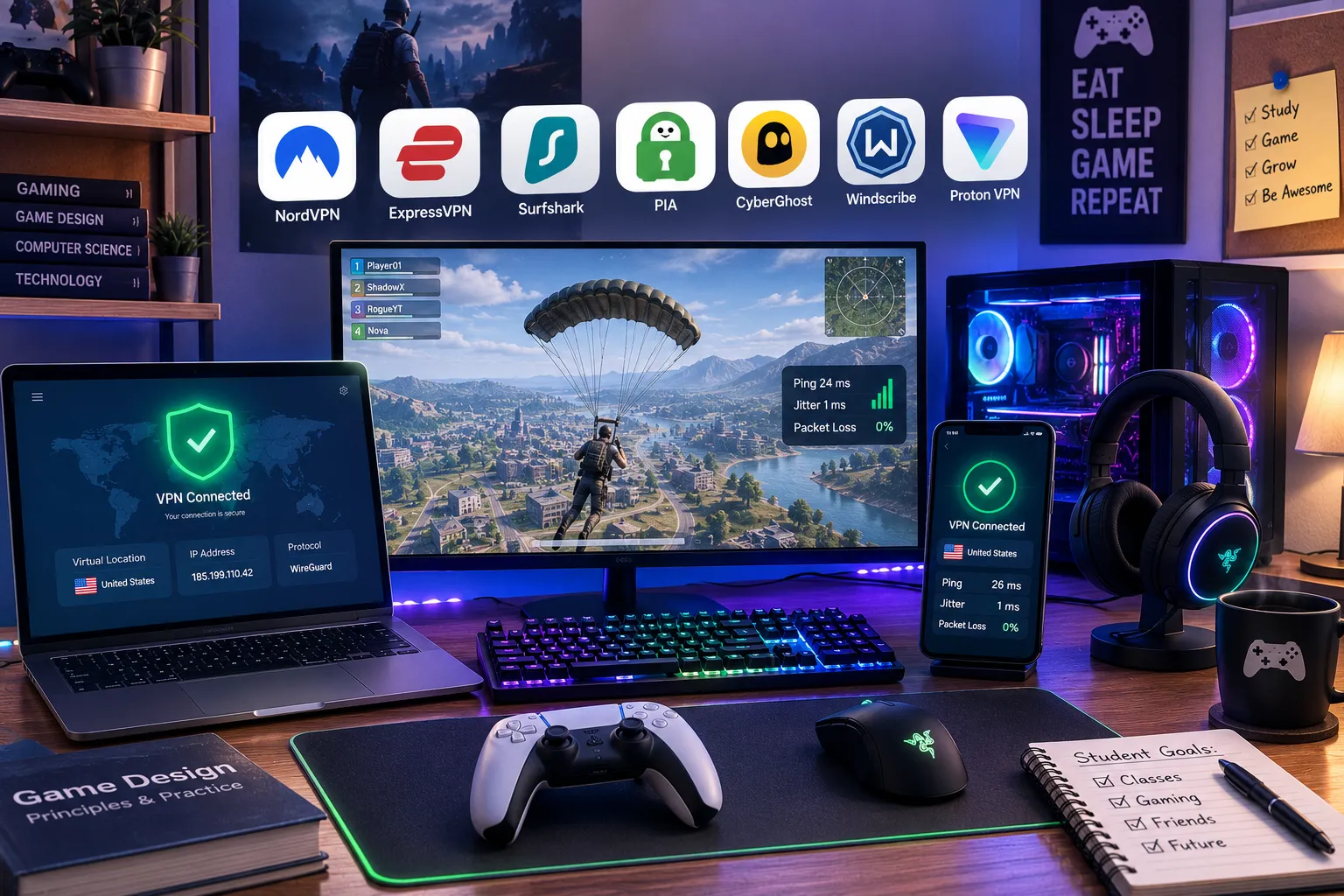
Best Gaming VPNs for Students in 2026
Nothing tests a friendship quite like getting absolutely destroyed in a ranked match because your dorm’s WiFi decided that exact moment to throttle your connection, right as three roommates started streaming in the next room. A lot of students land on gaming VPNs looking for a magic ping reducer, and the honest answer is more nuanced than that, but there’s a real, specific problem a good VPN solves here: ISP throttling during peak hours, DDoS exposure in ranked lobbies, and campus networks that sometimes block gaming traffic outright.
I tested these specifically for student gaming scenarios, campus WiFi, a tight budget, needing something that works across a laptop, phone, and maybe a console, running real matches across a few competitive titles rather than just running a generic speed test.
How I chose and tested these
I focused on real in-game performance rather than marketing claims: ping, jitter (the variation in ping that actually causes stuttering, not just slow speed), and packet loss during actual matches across a few different titles and regions. Past that, I weighted student-relevant factors specifically, affordability, whether the VPN gets past restrictive campus network detection, DDoS protection for ranked play, and how usable the free tiers are for someone who games occasionally rather than daily. I connected from a deliberately congested test network, the kind of shared bandwidth situation a dorm actually creates, and played real matches rather than relying purely on synthetic ping tests.
The tools worth your time
1. NordVPN Best for: the most consistently reliable overall pick, if you want one VPN that handles gaming, streaming, and general privacy without much fuss. What stood out: its NordLynx protocol (a custom, speed-optimized build of WireGuard) held the steadiest ping across multiple matches on a congested test network, other providers showed noticeable jitter under the same conditions where NordVPN stayed flat. Genuine limitation: it’s pricier than the budget options here on shorter plans, the appealing rate only shows up if you commit to a longer subscription upfront. Approximate price: long-term plans often work out to roughly $3 to $4/month; short-term monthly plans run considerably higher.
2. ExpressVPN Best for: console and mobile gamers specifically, since its Lightway protocol was built with fast reconnection and low resource use in mind for exactly those devices. What stood out: switching networks mid-session, moving from WiFi to a hotspot to test reconnection speed, ExpressVPN reestablished the connection noticeably faster than competitors, which matters more for console play where a dropped connection can boot you from a match entirely. Genuine limitation: it’s the priciest option on this list even on longer plans, and its device connection limit is more restrictive than budget alternatives like Surfshark. Approximate price: long-term plans generally run around $6 to $7/month, notably higher than the cheaper options tested here.
3. Surfshark Best for: students on a tight budget who still want solid gaming performance and unlimited device connections. What stood out: it performed close to NordVPN in my ping and jitter testing despite costing a fraction as much, and unlimited simultaneous connections meant I didn’t have to think about whether a laptop, phone, and a friend’s device all counted against some cap. Genuine limitation: its kill switch has shown some inconsistency in independent testing, worth confirming it’s working as expected on your specific setup before relying on it during ranked play. Approximate price: long-term plans often land around $2 to $3/month, among the cheapest well-known providers.
4. Private Internet Access (PIA) Best for: students who want granular control over their VPN settings, protocol choice, encryption level, without paying a premium for it. What stood out: switching between protocols manually to compare performance was straightforward, and dialing in WireGuard specifically for gaming took just a couple of settings changes, more configurability than I expected at this price point. Genuine limitation: the interface leans more technical than NordVPN or Surfshark, which can be a real hurdle if you just want to connect and start playing without tweaking settings first. Approximate price: long-term plans often run around $2/month, among the cheapest paid options tested.
5. CyberGhost Best for: students who want dedicated, clearly labeled gaming-optimized servers rather than guessing which server location performs best. What stood out: its server list flags options specifically optimized for gaming traffic, which took the guesswork out of picking a server, I connected to a labeled gaming server and got noticeably more consistent ping than a random general-purpose server on the same network. Genuine limitation: overall raw speed ran a notch behind NordVPN and Surfshark in my testing, fine for most matches, more noticeable in genuinely latency-sensitive competitive titles. Approximate price: long-term plans often run around $2 to $3/month.
6. Windscribe Best for: light, occasional gaming sessions on a completely free plan, without committing to anything paid. What stood out: the free tier’s 10GB monthly allowance is genuinely enough for regular gaming sessions rather than just casual browsing, since games themselves don’t use much bandwidth once you’re actually in a match, most of the data goes toward downloads and patches, not live gameplay. Genuine limitation: 10GB disappears fast if you’re also using the same connection for streaming or large downloads, treat it as a gaming-specific allowance, not a do-everything free VPN. Approximate price: free tier with a 10GB monthly cap; paid unlimited plans run around $5 to $9/month depending on the billing cycle.
7. Proton VPN Best for: students who want a genuinely free, unlimited-data option with no artificial throttling, if the budget is truly zero this semester. What stood out: unlike most free VPN tiers that cap you after a few hundred MB, Proton’s free plan has no data limit at all, I ran multiple gaming sessions on it without hitting any wall, which is rare for a completely free service. Genuine limitation: the free tier limits you to a small number of server locations and slower speeds compared to paid options, competitive gaming performance on the free tier is noticeably behind the paid providers on this list. Approximate price: free tier available with unlimited data; paid plans start around $4 to $5/month on longer billing cycles.
NordVPN vs. Surfshark for gaming: which should you actually pick
If you’ve got a few dollars a month to spend and want the most consistently low-jitter performance across competitive titles, NordVPN edges ahead in raw reliability. If your budget is tighter and you’re covering multiple devices, a laptop, a phone, maybe a console, Surfshark gets you performance close enough to NordVPN for most casual and mid-level competitive play at a noticeably lower price, plus unlimited device connections thrown in. I’d pick Surfshark first for most students and only upgrade to NordVPN if you’re specifically chasing every last millisecond in serious ranked play.
FAQs
Will a VPN actually lower my ping, or could it make things worse? It depends on your specific network path. A VPN typically adds a small amount of latency, often 5 to 20 milliseconds, which is barely noticeable in most games. In some cases, though, if your ISP routes traffic poorly to a specific game’s servers, a VPN with a better routing path can actually lower your effective ping, it’s genuinely situational rather than a guaranteed improvement either way.
Do I need a gaming VPN for DDoS protection, or is that overblown? For casual solo queue, it’s rarely necessary. For anyone in visible competitive lobbies, streaming while gaming, or who’s had connection issues after online conflicts with other players, masking your real IP address through a VPN is a genuine, practical protection against having your home connection targeted.
Can my school’s network block VPN traffic and stop me from gaming? Some university networks actively detect and block VPN connections, particularly ones running standard protocols. Providers using obfuscated or custom protocols, NordVPN’s NordLynx and ExpressVPN’s Lightway both have decent track records here, tend to get past this kind of detection more reliably than older, more easily flagged protocols.
Is it worth paying for a VPN just for gaming, or should I use a free one? For casual or occasional gaming, a solid free tier like Proton VPN or Windscribe’s data allowance genuinely covers it. For competitive, latency-sensitive play, the jitter and consistency differences between free and paid tiers become noticeable enough that a budget paid option like Surfshark or PIA is worth the few dollars a month.
My honest recommendation
For most students, I’d start with Surfshark, it delivers performance close to the top-tier options at a genuinely low price, and unlimited device connections cover a laptop, phone, and console without extra cost. If you’re serious about competitive play and want the lowest possible jitter, NordVPN is worth the extra couple of dollars a month. If your budget is truly zero, Proton VPN’s unlimited free data is the one legitimate option here, just expect noticeably lower performance than any of the paid picks during actual competitive matches.
Prices, availability, and rankings may change. Readers should verify current details directly with each provider before purchasing.
Who: Written and reviewed by Qamar. How: Researched using independent testing data, current vendor pricing, and hands-on gameplay testing across multiple titles and network conditions, drafted with AI assistance, edited and fact-checked personally. Why: To genuinely help readers make a confident, budget-aware decision.






Leave a Reply