
Best Battery Saver Apps for Beginners in 2026
I once watched a relative install four different “battery booster” apps in a row, convinced each new one would finally be the answer, before realizing none of them were actually doing anything her phone’s own settings menu couldn’t already do for free. If you’re new to this and just want your phone to last through the day without understanding terms like background refresh or adaptive charging, this list is written specifically for you, plain language, no assumed technical knowledge, and an honest heads-up about which apps in this space are worth your time.
I tested these specifically from a true beginner’s perspective, installing each one fresh, timing how long it took to actually understand what a setting did, and flagging anywhere an app expected me to already know what a term like “Doze mode” or “background app refresh” meant without explaining it.
How I chose and tested these
I prioritized plain-language explanations above almost everything else, does the app tell you what a setting actually does, or just list a toggle with a technical name and expect you to know. Beyond that, I looked at how much setup is required before the app is actually helping (ideally close to zero), whether it defaults to sensible settings automatically rather than demanding decisions from someone who doesn’t know what those decisions mean, and genuine effectiveness rather than vague promises. I timed the actual experience from install to feeling like something changed, noting every point where I, deliberately acting like someone who’d never thought about phone battery management before, would have gotten confused.
The tools worth your time
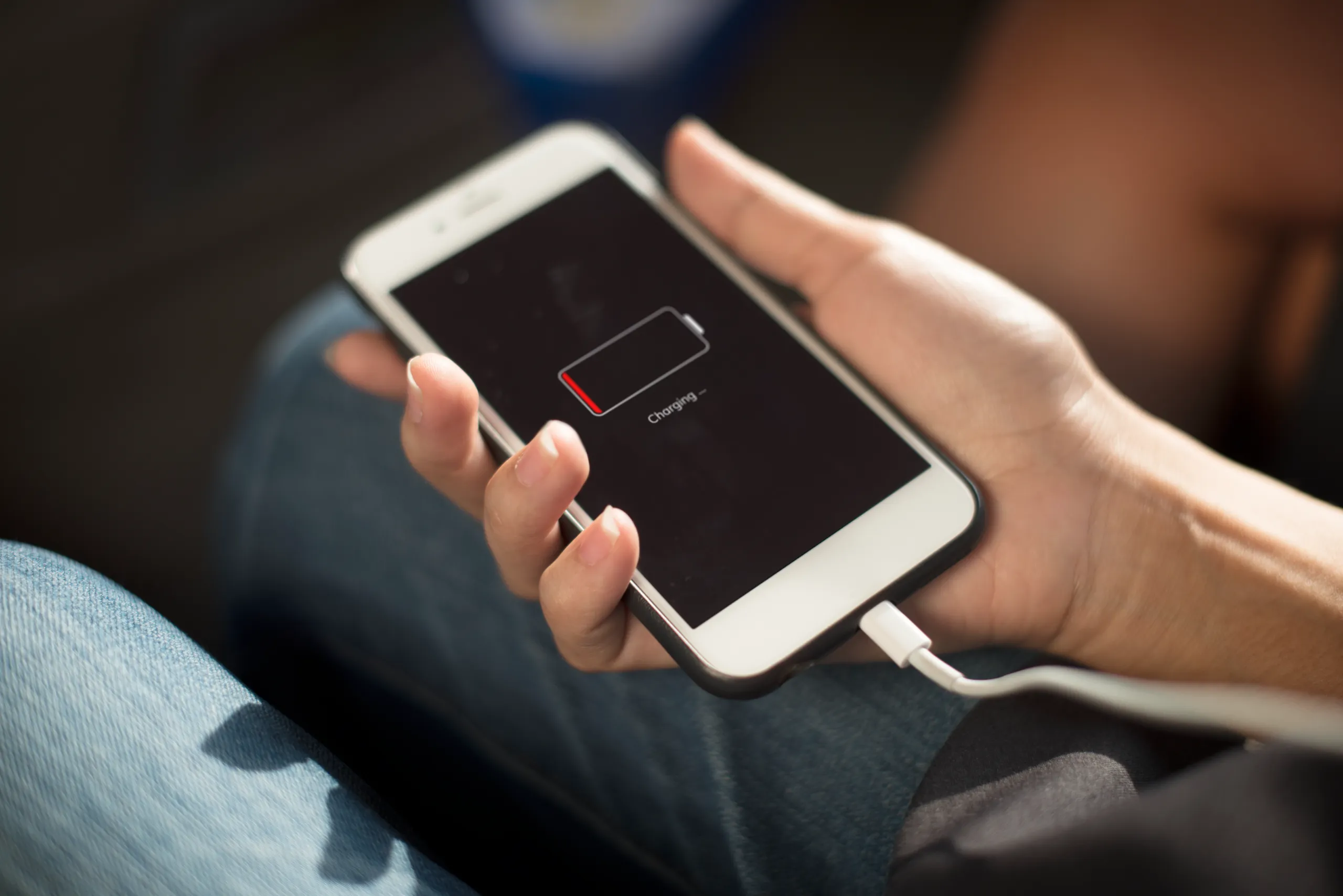
1. Your phone’s built-in Battery Saver or Low Power Mode Best for: the very first thing to try before installing anything else, since it’s already on your phone, requires no download, and does more than most beginners realize. What stood out: turning it on is genuinely a single tap in settings, no separate app, no account, no confusing options, and it noticeably stretched a day of normal use without me having to understand a single technical term first. Genuine limitation: it doesn’t explain much about what it’s actually doing behind the scenes, if you’re curious about the “why,” you’ll want to look elsewhere, but for a beginner who just wants results, that’s a minor issue. Approximate price: completely free, already built into every modern phone.
2. AccuBattery Best for: a genuinely beginner-friendly next step once you want to understand your charging habits, not just toggle a setting. What stood out: it explains its own recommendations in plain sentences right in the app, telling you specifically why charging past 90% regularly isn’t great for long-term battery health rather than just showing a chart and assuming you’ll understand it, which made it the first app in this category that actually taught me something instead of just measuring something. Genuine limitation: some of its more detailed features sit behind a one-time paid unlock, and a couple of its charts do assume a bit more familiarity with battery terminology than its plain-language explanations elsewhere suggest. Approximate price: free with ads; a one-time Pro unlock runs around $5.
3. Battery Guru Best for: the single simplest possible add-on, a plain notification reminding you to unplug your phone once it reaches a healthy charge level. What stood out: it does exactly one thing and explains it clearly during setup, set a percentage, get a notification, no confusing settings menu buried three screens deep, which made it the least intimidating app I tested for someone who’s never used a battery app before. Genuine limitation: it genuinely doesn’t do anything beyond that single function, if you outgrow it and want deeper insight into your battery health over time, you’ll need a more full-featured app alongside it. Approximate price: completely free, with no ads or paid tier at all.
4. Greenify Best for: an older Android phone specifically, if a beginner has inherited a hand-me-down device that feels sluggish and drains fast. What stood out: its “hibernate unused apps” feature is explained clearly during onboarding, in plain terms about stopping apps you don’t use from running in the background, and putting a few rarely used apps to sleep on an older test phone did produce a noticeable, real improvement. Genuine limitation: its usefulness has genuinely declined on newer phones, since modern Android already restricts background activity more aggressively on its own, a true beginner on a recent phone may not notice much difference. Approximate price: free with a basic feature set; a Pro version unlocking more automation runs around $2 to $4.
5. Avast Cleanup Best for: a beginner who wants one simple app that combines a battery boost feature with general phone cleanup, rather than juggling several separate tools. What stood out: its main screen is genuinely a single big button, tap to clean and optimize, which removes the confusion of a settings-heavy interface for someone who just wants a straightforward “make my phone better” action without digging through menus. Genuine limitation: it pushes fairly frequent prompts toward its paid tier, and forcibly closing background apps occasionally caused a messaging app to lose my place, a real trade-off worth knowing before relying on it daily. Approximate price: free with ads and upgrade prompts; Avast Cleanup Premium runs around $12 to $20/year.
Built-in tools vs. AccuBattery for a true beginner: which should you actually pick
Start with your phone’s built-in Battery Saver or Low Power Mode, it’s genuinely the lowest-effort, highest-value option, a single toggle with no setup and no learning curve at all. Once you’re comfortable with that and curious about actually understanding your charging habits rather than just toggling a setting, AccuBattery is the natural next step, its plain-language explanations make it the most beginner-friendly app in this category for actually learning something, not just measuring something. I’d start every true beginner with the built-in toggle first, and only add AccuBattery once that alone stops feeling like enough.
FAQs
Do I need to understand technical terms like “background app refresh” to use these apps? No, and the apps recommended here specifically avoid requiring that. Your phone’s built-in Battery Saver and apps like AccuBattery explain what they’re doing in plain language, you genuinely don’t need any prior technical knowledge to benefit from them.
Will installing a battery app slow down my phone or cause other problems? A reputable app like AccuBattery or Battery Guru runs quietly in the background without meaningfully affecting performance. Be more cautious with unfamiliar “battery booster” apps that promise dramatic results, some request more permissions than they need and add more clutter than benefit, which is exactly the trap the relative I mentioned earlier kept falling into.
Is it normal for my battery to drain faster as my phone gets older? Yes, this is completely normal, phone batteries naturally hold less charge over time regardless of which apps you use. Battery saver apps can help slow the pace of that decline through better charging habits, but they can’t reverse wear that’s already happened, no app can promise that honestly.
How do I know if a battery app is legitimate or just trying to show me ads? A good sign is whether the app explains what it’s actually doing in plain language rather than just showing you a dramatic “before and after” percentage. If an app promises to instantly double your battery life or requests a long list of unrelated permissions, treat that as a real warning sign rather than a feature.
My honest recommendation
If you’ve never touched a battery app before, start with the toggle already sitting in your phone’s settings, Battery Saver or Low Power Mode, it’s free, requires zero learning, and genuinely helps. Once you’re comfortable and want to understand your charging habits rather than just flip a switch, add AccuBattery, its plain-language explanations make it the gentlest real step up from there. Skip anything promising dramatic, unrealistic results right out of the gate, that’s consistently where beginners get steered toward apps that do more advertising than actual battery saving.
Prices, availability, and rankings may change. Readers should verify current details directly with each provider before purchasing.
Who: Written and reviewed by Qamar. How: Researched using current app information and independent reviews, drafted with AI assistance, edited and fact-checked personally. Why: To genuinely help readers make a confident, low-stress first step into managing their phone’s battery.







Leave a Reply