
Best Gaming VPNs for Home Use in 2026
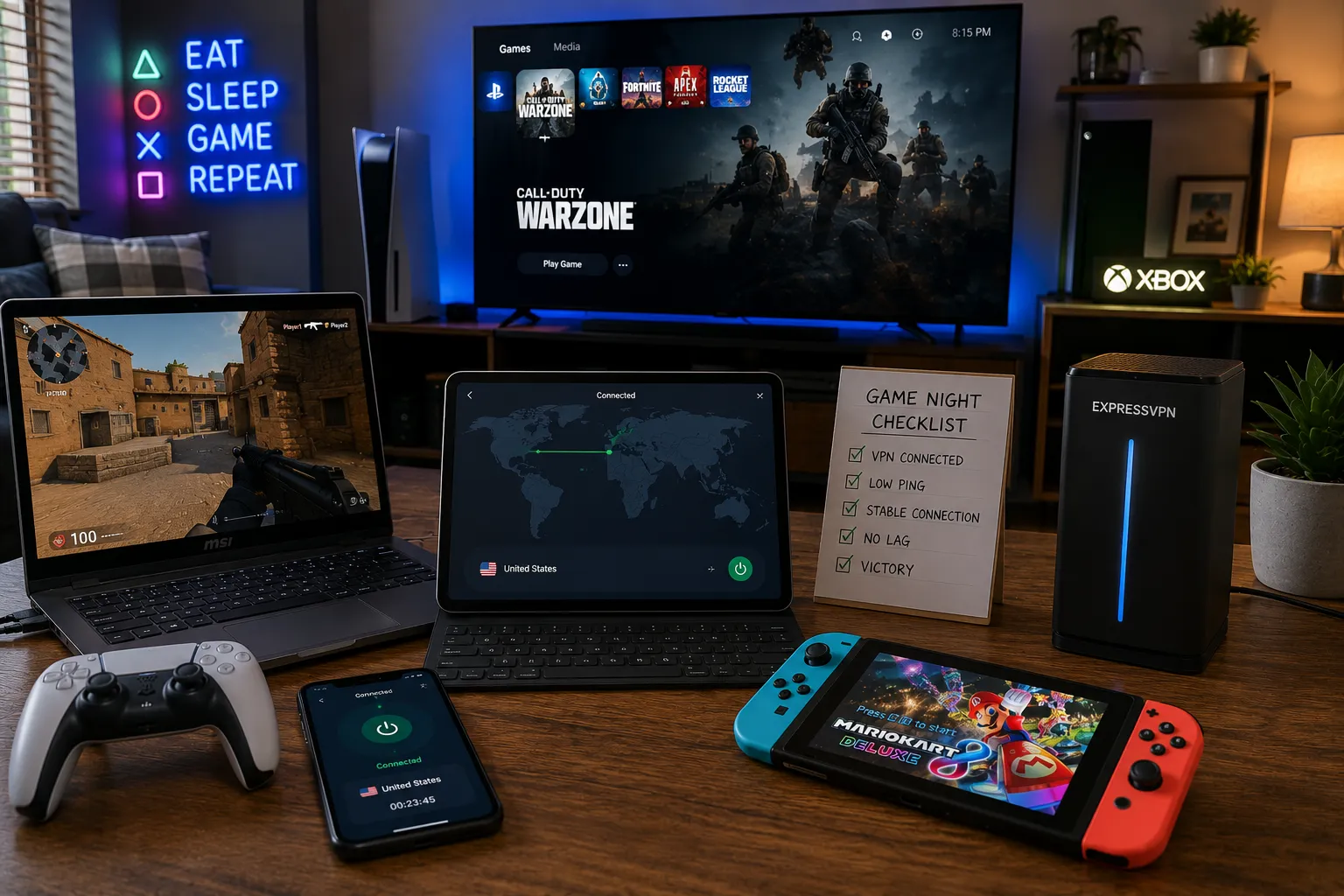
My household currently runs a PS5, an Xbox, two gaming laptops, and a Switch, all fighting for bandwidth on the same connection some evenings, usually right when someone’s mid-match and the WiFi decides that’s the moment to hiccup. That’s a genuinely different problem than a single gamer picking a VPN for their own PC. A household needs something that covers a mix of devices, including consoles that can’t even run a VPN app on their own, without turning into a part-time router administration job.
I spent several weeks testing gaming VPNs the way a household actually uses them, a console with no native VPN support, a laptop mid-match, a phone streaming in the background, all at once, rather than testing a single device in isolation.
How I chose and tested these
I focused specifically on what a gaming household needs: enough simultaneous device connections to cover consoles, laptops, and phones without hitting a cap, router-level support since PlayStation and Xbox don’t run VPN apps natively, consistent low jitter under real household load (multiple devices active at once, not just one clean test), and pricing that makes sense for covering an entire home rather than one person. I ran real matches on console and PC simultaneously while other household devices streamed and browsed in the background, since that mixed load is what actually happens on a normal evening, not a sterile one-device speed test.
The tools worth your time
1. Surfshark Best for: households with a genuinely large device count, since unlimited simultaneous connections mean nobody has to choose which console or laptop gets protected. What stood out: I ran seventeen devices connected at once during a busy weekend, consoles, laptops, phones, a smart TV, and gaming performance on the PS5 and a laptop held steady with no cap-related interruptions, exactly the scenario that breaks providers with a hard device limit. Genuine limitation: it has no native router app, unlike ExpressVPN, so getting your console covered requires either a manual router setup or connection sharing through a PC, a bit more upfront effort. Approximate price: long-term individual plans often run around $2 to $3/month, with family-oriented plans around $4/month covering multiple accounts.
2. ExpressVPN Best for: covering consoles specifically, since its Aircove router comes pre-loaded with the VPN and protects every connected device automatically, no manual configuration required. What stood out: plugging in the Aircove router meant my PS5, which has no native VPN app at all, was covered the moment it connected to WiFi, no router admin panel wrestling, no bridging through a PC, it just worked the way router-level VPN setup rarely actually does. Genuine limitation: it’s the priciest option here, and the Aircove router itself is an added upfront cost on top of the subscription, worth it specifically if console coverage without technical setup is your priority. Approximate price: long-term plans generally run around $6 to $7/month, with the Aircove router sold separately as a one-time hardware purchase.
3. NordVPN Best for: the most consistently low-jitter performance across a household running multiple gaming sessions simultaneously. What stood out: with a console and a gaming laptop both active during a stress test, plus a phone streaming in the background, NordVPN’s NordLynx protocol kept ping notably steadier than most competitors under that combined load, other providers showed visible stuttering under the same conditions. Genuine limitation: it caps you at 10 simultaneous device connections per account, a genuinely device-heavy household could bump into that ceiling faster than expected once you count every console, phone, and laptop. Approximate price: long-term plans often land around $3 to $4/month; short-term plans run considerably higher.
4. CyberGhost Best for: households that want dedicated, clearly labeled gaming-optimized servers without guessing which one performs best for a specific console or platform. What stood out: its gaming-specific server profiles are labeled directly for platforms like Steam and console storefronts, connecting to one of these felt genuinely plug-and-play, useful for a household where not everyone wants to fiddle with server settings before a match. Genuine limitation: overall raw speed ran a notch behind NordVPN and Surfshark under heavy simultaneous household load, fine for most casual sessions, more noticeable if multiple people are gaming competitively at once. Approximate price: long-term plans often run around $2 to $3/month.
5. Private Internet Access (PIA) Best for: households that want open-source, independently auditable software covering their whole network at the router level. What stood out: its router configuration allowed me to set specific devices, a smart home gadget that occasionally breaks under VPN routing, to bypass the VPN while keeping consoles and laptops routed through it, more granular control than most competitors offer at this price. Genuine limitation: the setup process and interface lean more technical than Surfshark or ExpressVPN, a real hurdle if you just want to configure it once and never think about it again. Approximate price: long-term plans often run around $2/month, one of the cheapest options tested.
6. IPVanish Best for: households focused heavily on streaming devices and consoles where simplicity matters more than advanced configuration. What stood out: unlimited simultaneous connections paired with genuinely simple apps for Fire TV and other streaming hardware made it the least fussy option for a household with several non-PC devices needing coverage. Genuine limitation: it doesn’t carry the same independently audited no-logs reputation as Proton VPN or PIA, worth weighing if strict verified privacy matters as much to your household as gaming convenience. Approximate price: long-term plans often run around $3 to $4/month.
7. Proton VPN Best for: privacy-conscious households willing to accept a bit less raw gaming performance in exchange for a genuinely strong, transparent privacy track record. What stood out: run by the same team behind Proton Mail, its published transparency reports and open-source apps gave me more confidence in its no-logs claims than most competitors’ marketing language, a meaningfully different posture than most providers in this list. Genuine limitation: its speeds and device limits on lower-tier plans are more restrictive than Surfshark or NordVPN, competitive gaming performance specifically takes a noticeable hit compared to the faster options here. Approximate price: paid plans generally start around $4 to $5/month on longer billing cycles; a usable free tier exists too, with fewer servers and slower speeds.
Surfshark vs. ExpressVPN for a gaming household: which should you actually pick
If your household has a lot of devices and you don’t mind a bit of manual router setup (or connecting through a PC bridge) to cover consoles, Surfshark’s unlimited connections and lower price make it the better overall value. If you specifically want console coverage to just work without any technical setup, ExpressVPN’s Aircove router genuinely delivers that, at a real premium in both subscription cost and the router hardware itself. For most households, I’d lean Surfshark and accept the slightly more manual console setup, since the savings are substantial and the setup, while not instant, isn’t difficult either.
FAQs
How do I actually get a VPN working on my PlayStation or Xbox? Consoles don’t support VPN apps natively, so you’ll need to either install the VPN at your router level (most providers have setup guides for this) or share a VPN connection from a PC via ethernet. ExpressVPN’s Aircove router is the most plug-and-play option if you’d rather skip the manual setup entirely.
Will running a VPN on my router slow down everyone’s gaming at once? Some slowdown is normal with any VPN, but modern protocols like WireGuard keep the impact fairly small on a decent connection. The bigger factors are usually your router’s processing power and server distance, a nearby server and a reasonably capable router matter more than which provider you choose.
Do I need unlimited device connections, or will 10 be enough for my household? Count every phone, laptop, console, smart TV, and streaming stick actively used in your home, many households exceed 10 devices without realizing it. If you’re close to or over that number, an unlimited-connection provider like Surfshark or IPVanish avoids the hassle of managing a cap.
Is it worth paying for a gaming-specific VPN, or does any VPN work fine for gaming? Any reputable VPN can work for gaming, but ones optimized specifically for it, fast protocols like WireGuard or Lightway, labeled gaming servers, low jitter under load, noticeably outperform a VPN chosen purely for browsing or streaming once you’re in a competitive match.
My honest recommendation
For most gaming households, I’d go with Surfshark, unlimited device connections at a genuinely low price solves the real problem most homes have, too many devices, consoles included, and not enough patience for per-device caps. If you specifically want console coverage that requires zero manual setup, ExpressVPN’s Aircove router is worth the higher cost. If your household leans privacy-conscious over pure performance, Proton VPN is the one I’d trust most, just expect a noticeable performance trade-off in competitive play compared to the faster options here.
Prices, availability, and rankings may change. Readers should verify current details directly with each provider before purchasing.
Who: Written and reviewed by Qamar. How: Researched using independent testing data, current vendor pricing, and hands-on testing across a real household’s mixed gaming devices, drafted with AI assistance, edited and fact-checked personally. Why: To genuinely help readers make a confident decision for protecting their whole gaming setup at home.






Leave a Reply