
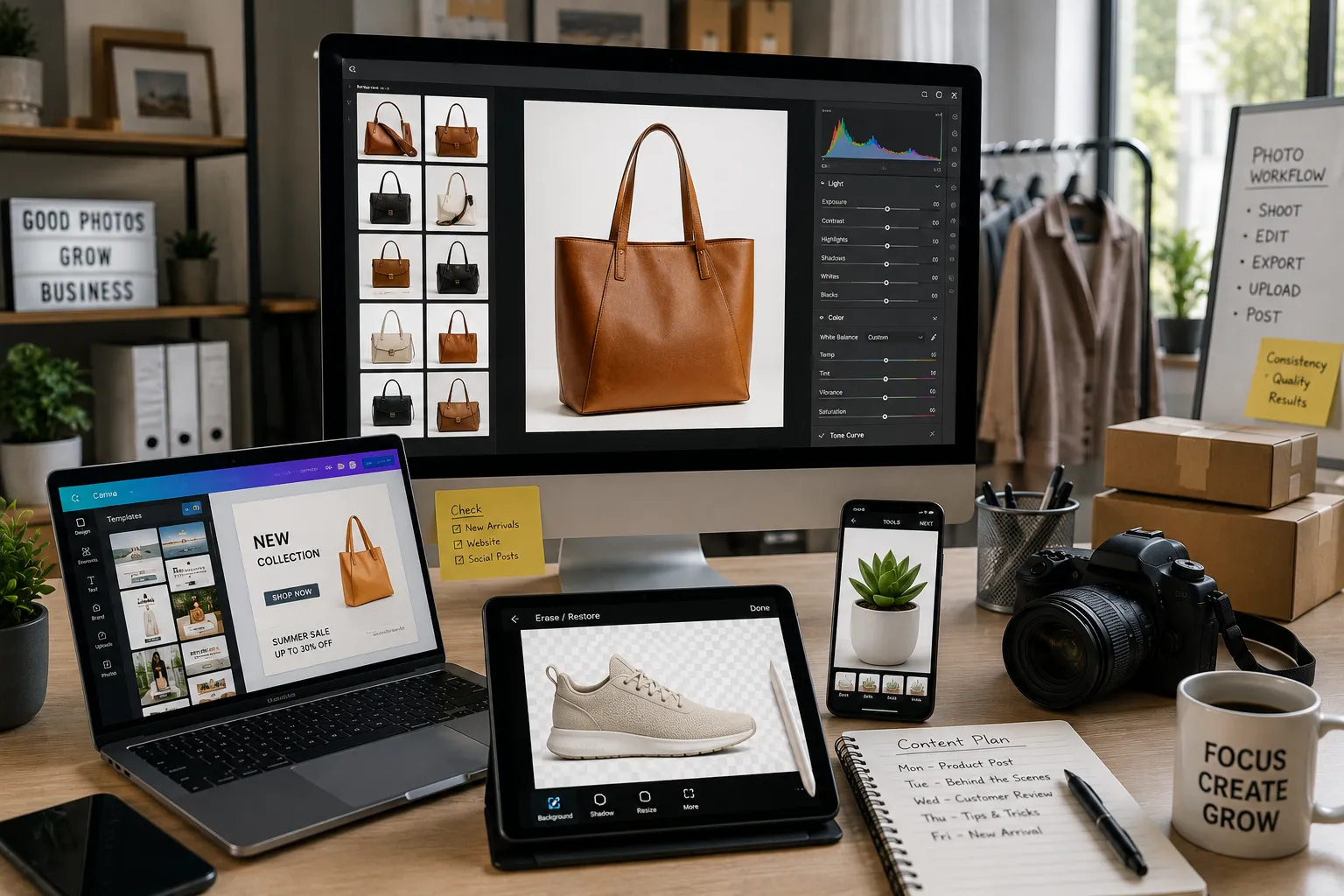
A small business owner I helped last year was manually cutting product photos out of backgrounds in Photoshop, one at a time, for a catalog of over 200 items. She had no idea a tool existed that could batch-process the exact same task in a fraction of the time for a fraction of the cost. That’s the real problem with photo editing software for small business, most owners either overspend on a professional tool built for photographers, or underspend on something that can’t actually keep up once you have more than a handful of product photos to manage.
I tested these specifically from a small business angle, product photos for an online store, social content that needs to look consistent across posts, occasional marketing graphics, rather than assuming every small business owner wants a full creative suite they’ll barely use.
How I chose and tested these
I focused on what small businesses actually need: clean product photography without a professional photo studio, consistent visual branding across social posts, the ability to batch-process a catalog of images rather than editing one at a time, and pricing that scales sensibly whether you have ten products or a thousand. I weighted ease of use heavily, since most small business owners are wearing five other hats and don’t have time to learn a professional editing workflow, and I tested each tool on a real batch of product photos and a set of social graphics rather than a single polished demo image.
The tools worth your time
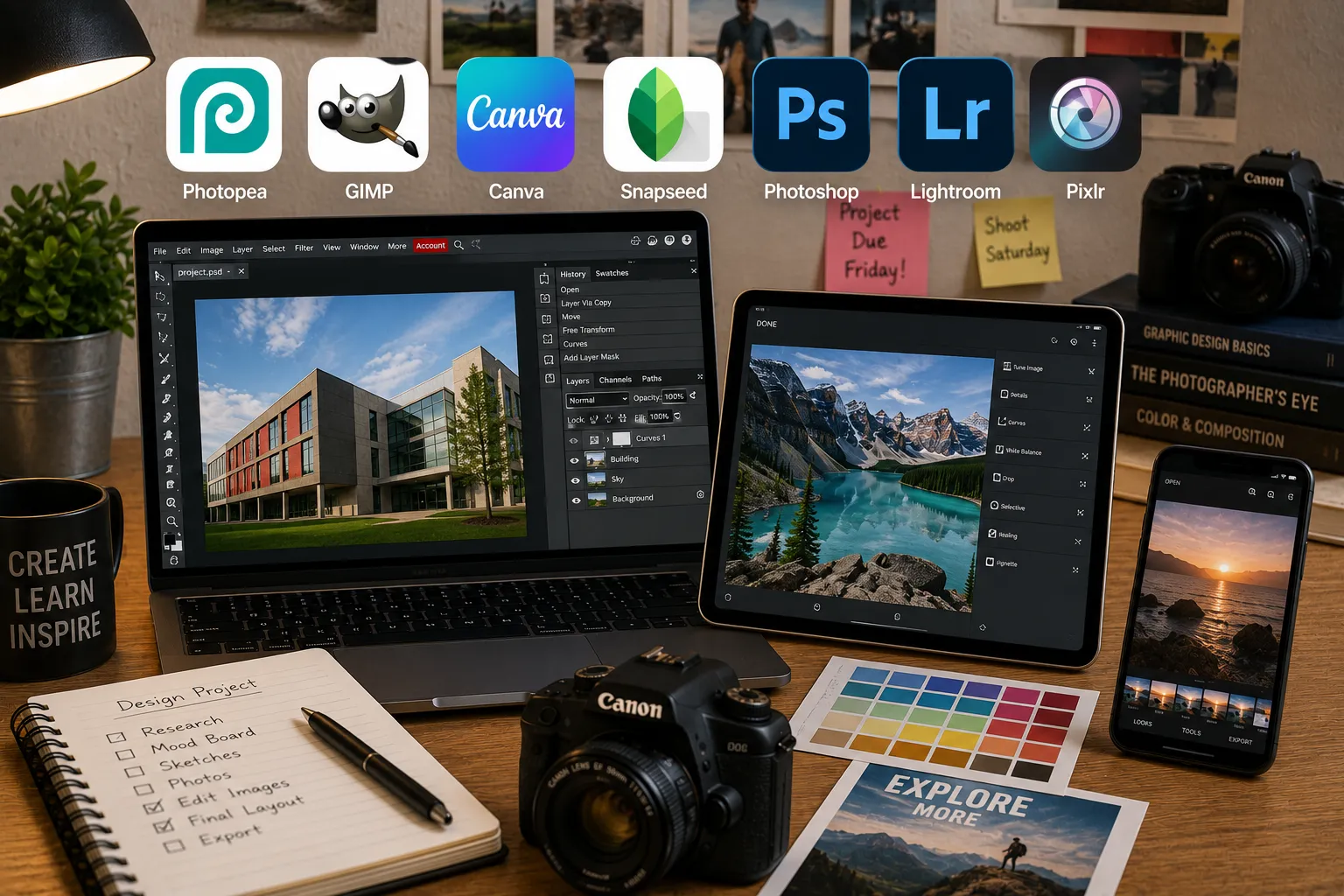
1. Photoroom Best for: quick, clean product photo backgrounds without a photo studio, the single most common small business photo need. What stood out: its background removal handled genuinely tricky edges, wispy fabric, jewelry chains, better than most competitors I tested, and its templates specifically built for marketplace listings meant I could go from a raw phone photo to a listing-ready image in under a minute. Genuine limitation: it’s a specialist tool built around background removal and product presentation specifically, not a general photo editor, you’ll still want something else for deeper color correction or composite work. Approximate price: free tier with watermarked exports; Pro runs around $10/month and removes watermarks while unlocking batch processing and unlimited exports.
2. Canva Pro Best for: small businesses that want product photo editing and marketing graphics, social posts, ads, email banners, in one connected tool rather than juggling separate apps. What stood out: I built a full week of social posts using the same product photo edited five different ways for different platforms, all inside one editor, without exporting to a separate design tool in between. That combination of editing and templating in one place is genuinely what makes it worth the subscription for a small operation. Genuine limitation: its photo editing tools, while genuinely useful, are noticeably shallower than a dedicated editor like Lightroom or Photoshop, it’s built for speed and templating first, precision editing second. Approximate price: Canva Pro runs around $13 to $15/month for a single user, with team plans priced per additional member.
3. Adobe Lightroom Best for: small businesses with an actual product photography setup who want consistent color and exposure across an entire catalog. What stood out: applying the same preset across a batch of eighty product shots kept every image consistent in tone and brightness, which matters more than people realize, mismatched product photos across a storefront genuinely make a small shop look less trustworthy to a browsing customer. Genuine limitation: it’s built around organizing and developing photos, not composite work or removing backgrounds, you’ll likely need a second tool like Photoroom alongside it for that specific task. Approximate price: the Adobe Photography plan (Lightroom and Photoshop bundled) generally runs around $10 to $20/month depending on current promotions.
4. Adobe Photoshop Best for: composite product shots or complex retouching that a simpler tool genuinely can’t handle, think combining multiple exposures or building a styled hero image for a homepage. What stood out: for one client’s homepage banner, combining three separate product angles into a single styled composite was something no simpler tool in this list could realistically pull off, that depth of control is exactly what Photoshop is still uniquely good for. Genuine limitation: it’s genuinely overkill for the vast majority of everyday small business photo needs, the learning curve is steep, and most small businesses will use a small fraction of what it actually offers. Approximate price: bundled with Lightroom in Adobe’s Photography plan, generally around $10 to $20/month, or as a standalone subscription typically priced higher.
5. Removal.ai Best for: bulk background removal when you’re processing a large product catalog rather than a handful of images at a time. What stood out: uploading a batch of fifty product photos and having all of them processed within a few minutes, rather than one at a time, was the single biggest time-saver I found for anyone managing a genuinely large inventory. Genuine limitation: it does background removal well and not much else, no color correction, no templating, it’s purely a specialized, high-volume tool for one specific task. Approximate price: pay-as-you-go and subscription tiers both exist; typical small business volume tends to land in the $10 to $30/month range depending on how many images you process.
6. VSCO Best for: small businesses, especially lifestyle or wellness brands, that want a consistent, recognizable visual aesthetic across their social presence. What stood out: applying the same preset across an entire month of social content gave the brand’s feed a genuinely cohesive look, the kind of consistent aesthetic that makes a small account look more established than it actually is. Genuine limitation: it’s built around a specific stylistic look rather than technical precision, if you need exact color accuracy for product photos (so a customer isn’t surprised by the actual color on arrival), this isn’t the right tool for that particular job. Approximate price: around $20/year for the full preset and editing library, notably cheaper than most competitors here on an annual basis.
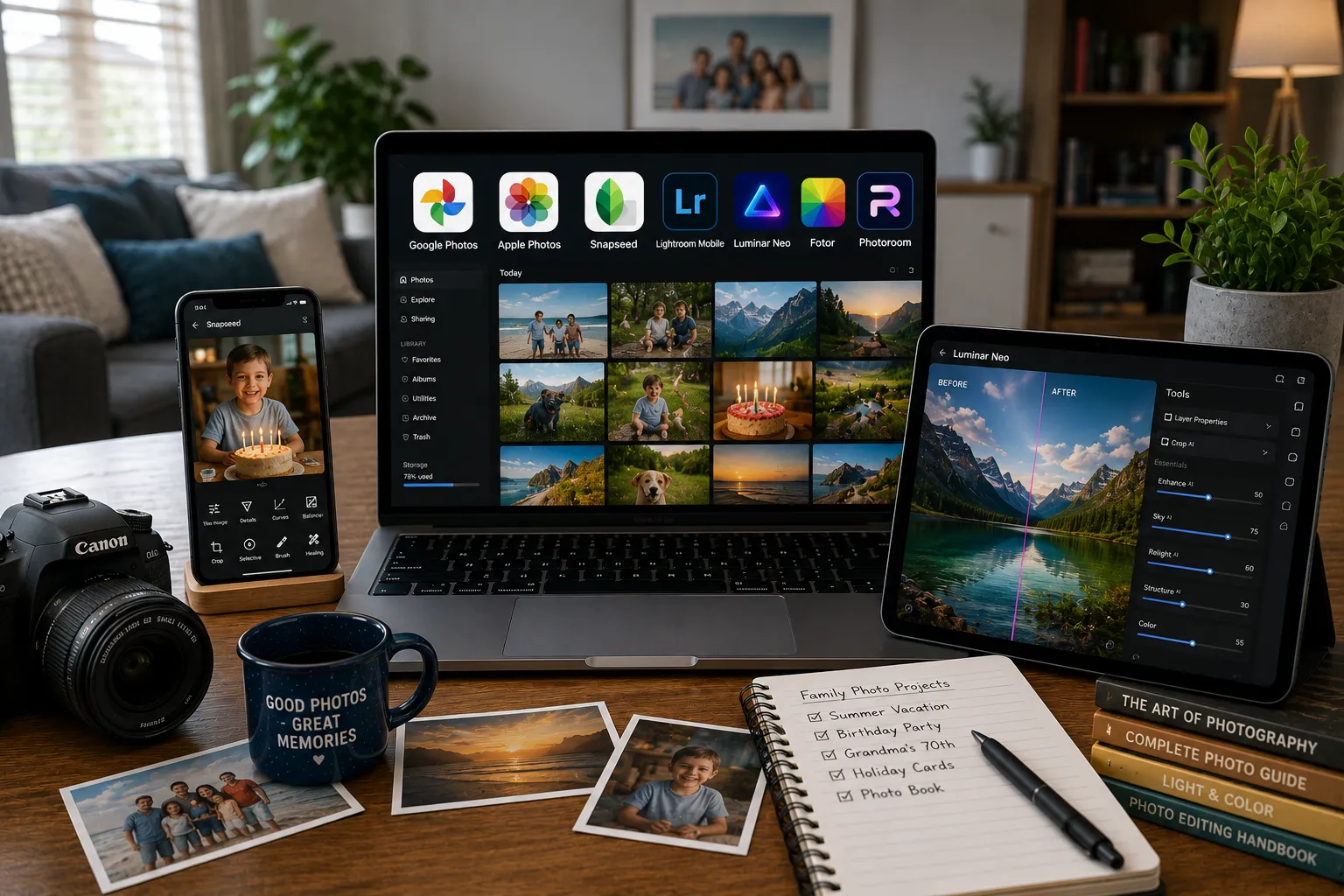
7. Snapseed Best for: a solo business owner or very small team who just needs solid, free photo editing on a phone without any subscription at all. What stood out: it handled quick brightness, color, and selective adjustments on product and social photos well enough that a genuinely tiny business could realistically run its entire photo editing workflow through it and pay nothing. Genuine limitation: it has no batch processing, no background removal, and no team collaboration features, it works for a true one-person operation and stops scaling the moment you need any of that. Approximate price: completely free, no ads, no in-app purchases.
Photoroom vs. Adobe Photoshop: which should you actually pick
For the vast majority of small businesses, the honest answer is Photoroom, not Photoshop. Most small business photo needs are clean product backgrounds and consistent listing images, exactly what Photoroom is built for, at a fraction of the cost and with almost no learning curve. Photoshop earns its place only for genuinely complex work, composite hero images, heavy retouching, that a small business typically needs occasionally rather than daily. I’d start every small business with Photoroom and only add Photoshop once you hit a specific task it can’t handle, not the other way around.
FAQs
Do I need Photoshop for my small business, or is that overkill? For most small businesses, yes, it’s genuine overkill. Product background removal and basic photo cleanup, the bulk of what small businesses actually need, are handled better and faster by specialized tools like Photoroom. Photoshop earns its place specifically for composite images or complex retouching, tasks most small businesses only face occasionally.
What’s the best way to make hundreds of product photos look consistent? Batch presets in Lightroom or a bulk tool like Removal.ai for background removal are the practical answer, applying the same adjustment across an entire catalog at once rather than editing image by image. Consistency across a storefront genuinely affects how trustworthy a small shop looks to a new customer.
Is a free tool like Snapseed good enough for a small business, or should we pay for something? For a genuinely solo operation with light photo needs, Snapseed can carry you fine. The moment you’re managing more than a handful of products, need background removal at scale, or want a consistent branded look across social content, that’s when a paid tool like Photoroom or Canva Pro starts earning its cost quickly.
How much should a small business realistically budget for photo editing tools per month? For most small businesses, somewhere between $15 and $30/month covers a solid setup, Photoroom or Canva Pro for day-to-day product and social content, plus occasional use of a bulk tool if your catalog is large. Full Adobe Creative Cloud access is rarely necessary unless your business specifically requires composite or advanced retouching work regularly.
My honest recommendation
For most small businesses, I’d start with Photoroom for product photos and Canva Pro for everything else, social posts, marketing graphics, templated content, that combination covers the overwhelming majority of small business photo needs without the cost or learning curve of a professional creative suite. Add Removal.ai only once your product catalog genuinely grows large enough that one-at-a-time editing becomes a real time sink. Skip Photoshop entirely unless you have a specific, recurring need for composite or advanced retouching work, most small businesses pay for far more software than they actually use.
Prices, availability, and rankings may change. Readers should verify current details directly with each provider before purchasing.
Who: Written and reviewed by Qamar. How: Researched using current vendor pricing, independent reviews, and hands-on testing with real product and social content, drafted with AI assistance, edited and fact-checked personally. Why: To genuinely help small business owners make a confident, budget-aware decision.





Leave a Reply