
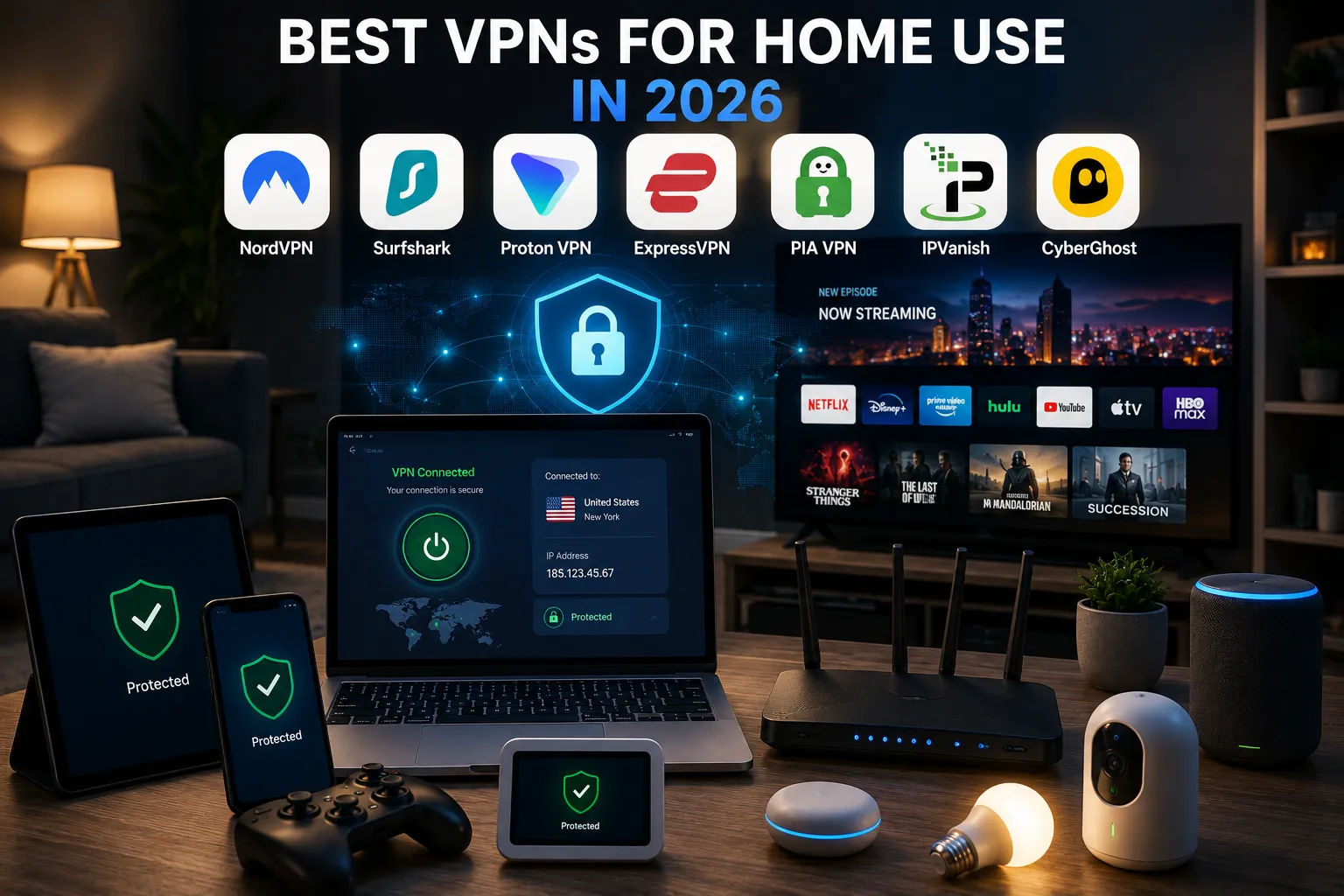
My household currently has somewhere around fourteen devices connected to the WiFi at any given time: two laptops, four phones, a couple of tablets, a smart TV, a streaming stick, a games console, and a handful of smart home gadgets I’ve genuinely lost track of. That’s a fairly normal modern household, and it’s exactly the situation where a single-device VPN plan falls apart fast. Home use isn’t about one laptop anymore; it’s about covering an entire network without paying per device or fighting with router settings every weekend.
I spent several weeks running VPNs the way a household actually would, streaming on a smart TV, video calling on a laptop, and gaming on a console, all while a phone or two stayed connected in the background. A couple of these handled that load without me noticing they were even running. One genuinely wasn’t built for it.
How I chose and tested these
I focused specifically on what a household needs rather than what a single traveler or remote worker needs: generous or unlimited simultaneous device connections, since the average home now has well over ten connected devices, router-level support for covering smart TVs and consoles that can’t run a VPN app directly, consistent streaming performance across major services, and pricing that makes sense for a whole family rather than one person. I tested each provider across multiple device types at once in the same household, checking for slowdowns during simultaneous streaming and video calls, not just a single speed test on one device.
The tools worth your time
1. Surfshark Best for: households with a lot of devices, since unlimited simultaneous connections means nobody has to think about which device “counts.” What stood out: I connected seventeen devices at once across a genuinely chaotic weekend, including laptops, phones, the TV, and a couple of guests’ devices, and never hit any kind of cap or slowdown tied to device count specifically. That’s the exact problem most households actually have. Genuine limitation: its kill switch has shown inconsistent behavior in independent testing, worth double-checking your specific setup rather than assuming it’s airtight. Approximate price: long-term plans often work out to roughly $2 to $3/month, among the cheapest options that still cover a whole household.
2. NordVPN Best for: households that want the most consistently fast, reliable connection for daily streaming and video calls without much fiddling. What stood out: across a full evening of one TV streaming 4K, a laptop on a video call, and two phones browsing, I didn’t notice any meaningful slowdown on any device; it handled the simultaneous load better than most competitors in my testing. Genuine limitation: it caps you at 10 simultaneous device connections per account, which sounds like plenty until you actually count everything on a modern home network; some households will bump into that ceiling. Approximate price: long-term plans often land around $3 to $4/month; short-term plans run notably higher.
3. ExpressVPN is best for setting up VPN protection at the router level so every device on your home network is covered automatically, including ones that can’t run a VPN app themselves. What stood out: its dedicated router app was genuinely the smoothest router setup process I’ve gone through, with clear instructions, and once it was configured, every device on the network, including a smart plug and a game console with no native VPN support, was covered without any extra setup on my part. Genuine limitation: it’s the priciest option on this list, and its device connection limit (8 simultaneous, or effectively unlimited once installed at the router level) means you’re paying a premium specifically for that router-level convenience. Approximate price: long-term plans generally run around $6 to $7/month, noticeably higher than the budget options here.
4. Private Internet Access (PIA) Best for: privacy-focused households that want open-source, independently auditable software running across their whole network. What stood out: its router configuration options were more granular than most, letting me set up specific devices to bypass the VPN (useful for smart home devices that sometimes break under a VPN connection) while keeping everything else routed through it. Genuine limitation: the interface leans more technical than Surfshark or NordVPN, which can be a real hurdle if you just want to set it up once at the router and never think about it again. Approximate price: long-term plans often run around $2/month, one of the cheapest options tested.
5. IPVanish Best for: households heavily focused on streaming devices, Fire TV, Roku, and smart TVs, where a simple, dedicated app matters more than advanced settings. What stood out: its unlimited simultaneous connections combined with genuinely simple streaming-device apps made it the least fussy option for a household where most devices are TVs and streaming sticks rather than laptops. Genuine limitation: it doesn’t have the same reputation for independently audited no-logs claims as some competitors here, which is worth knowing if strict verified privacy is your top priority rather than just streaming convenience. Approximate price: long-term plans often run around $3 to $4/month.
6. Proton VPN Best for: privacy-focused households willing to pay a bit more for a provider with an unusually strong, transparent privacy track record. What stood out: it’s run by the same team behind Proton Mail, and that broader privacy-first reputation (plus published transparency reports) gave me more confidence in its no-logs claims than most marketing language from other providers. Genuine limitation: its device connection limits and speeds on lower-tier plans are more restrictive than Surfshark or NordVPN; you’re paying a bit of a premium specifically for the privacy reputation rather than raw household convenience. Approximate price: paid plans generally start around $4 to $5/month on longer billing cycles; a genuinely usable free tier exists too, though with fewer servers and device limits.
7. CyberGhost Best for: households where streaming specific content libraries is the main priority, since it has servers explicitly optimized and labeled by streaming service. What stood out: rather than guessing which server unblocks which streaming platform, its server list is labeled directly by service, “servers optimized for Netflix US,” which took the guesswork out of a task that’s genuinely annoying on some other providers. Genuine limitation: overall speeds were a notch behind NordVPN and Surfshark in my testing, which is fine for a single stream but more noticeable if several household members are streaming simultaneously. Approximate price: long-term plans often run around $2 to $3/month.
Surfshark vs. NordVPN for a household: which should you actually pick
This really comes down to how many devices you’re actually covering and how much you value raw speed. If your household is genuinely device-heavy, with teenagers with multiple gadgets, smart home devices, and guests connecting regularly, Surfshark’s unlimited connections remove a real limitation NordVPN’s 10-device cap could eventually hit. If your household is smaller and speed and streaming reliability matter more than device count, NordVPN edges ahead in consistency, especially for simultaneous 4K streaming and video calls. For most typical households, I’d lean toward Surfshark simply because device counts creep up faster than people expect.
FAQs
Should I install a VPN on my router instead of individual devices? For a household with a lot of devices, especially ones like smart TVs, consoles, and smart home gadgets that can’t run a VPN app directly, router-level installation covers everything at once without per-device setup. The trade-off is a slightly more technical setup process and potential compatibility issues with your specific router model, so check compatibility before committing.
Will a VPN slow down my home internet for everyone streaming at once? Some speed reduction is normal with any VPN, but modern protocols like WireGuard keep the impact fairly small on a decent connection. The bigger factor is usually server distance and your router’s processing power. If you’re running the VPN at the router level, choosing a nearby server location matters more than which provider you pick.
Is a free VPN good enough for home use, or should I pay? For a single person’s occasional browsing, a reputable free tier like Proton VPN’s can work. For an entire household streaming across multiple devices, free tiers almost universally cap either data, speed, or device count in ways that make them impractical for daily family use, this is genuinely one of the clearer cases where paying makes sense.
Can everyone in my household use the same VPN account at once? Depends entirely on the provider’s simultaneous connection limit. Surfshark and IPVanish allow unlimited connections on a single account, which suits a household well, while others like NordVPN cap you at a set number, worth checking against your actual device count before subscribing.
My honest recommendation
For most households, I’d go with Surfshark, unlimited device connections at a genuinely low price solve the actual problem most homes have, too many devices and not enough patience for per-device limits. If speed and streaming consistency matter more to you than device count, and your household is on the smaller side, NordVPN is the better everyday pick. If you specifically want the smoothest router-level setup to cover devices that can’t run a VPN app on their own, ExpressVPN’s router support is worth the higher price. Whatever you choose, set it up once at the router if you can; that solves the “which devices are actually protected” question for good instead of managing it app by app.
Prices, availability, and rankings may change. Readers should verify current details directly with each provider before purchasing.
Who: Written and reviewed by Qamar. How: Researched using independent testing data, current vendor pricing, and hands-on testing across a real household’s devices, drafted with AI assistance, edited and fact-checked personally. Why: To genuinely help readers make a confident decision for protecting their whole home network.





Leave a Reply