
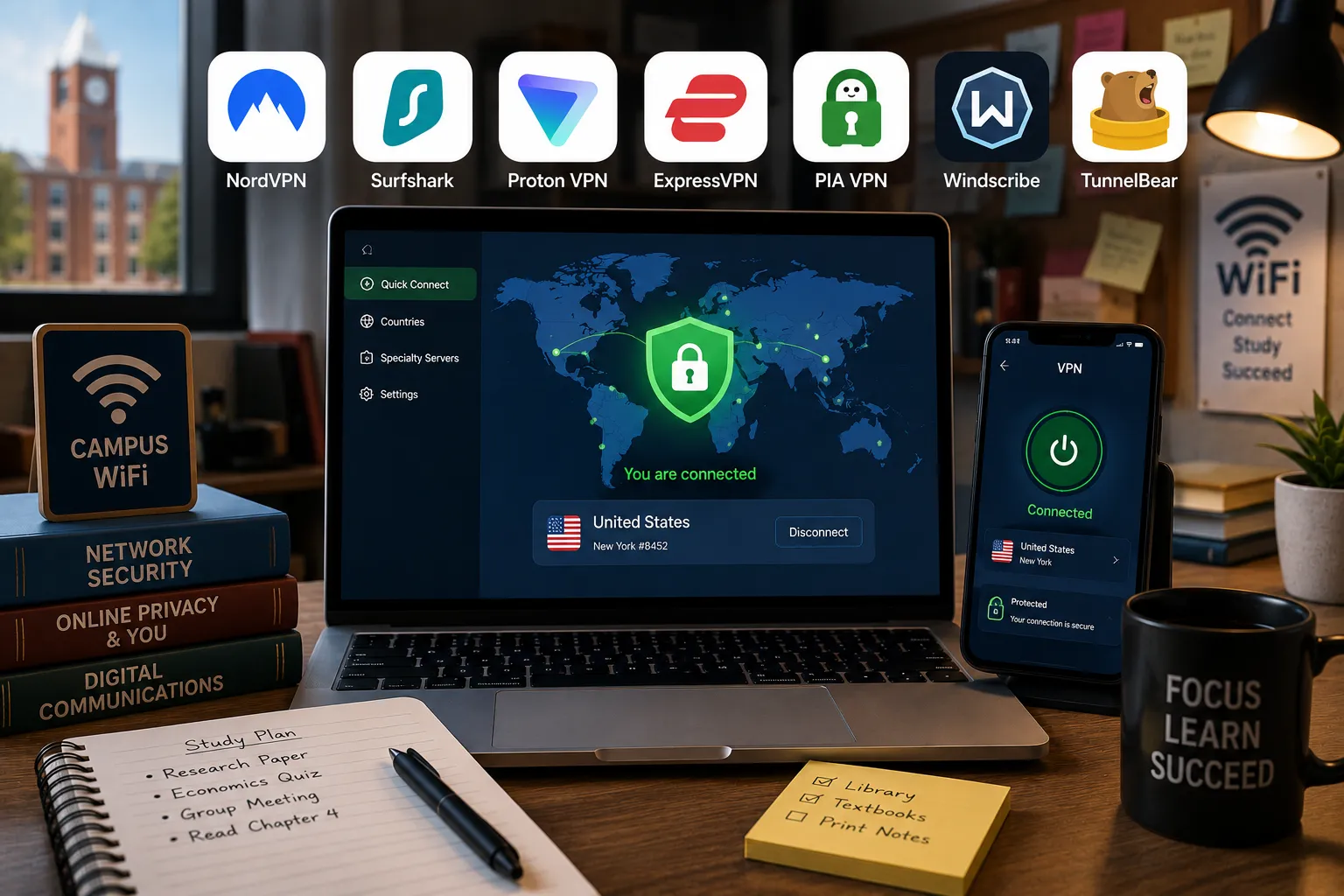
Somewhere in my first year juggling dorm WiFi, I discovered the campus network blocked a genuinely useful research site for reasons nobody could explain while letting through half the internet’s junk. That’s usually the moment a student starts looking into VPNs, not for anything dramatic, just to get around a clumsy network restriction or stop public WiFi at the library from being quite so wide open.
I’ve spent the past few weeks testing VPNs specifically through a student’s lens: connecting from campus WiFi, checking whether they actually get past school network restrictions, seeing how they hold up on a tight budget, and testing whether the free tiers are usable or just bait for an upsell. A few of these are genuinely worth the money. A couple of the “free” options are worth knowing about too, with real caveats.
How I chose and tested these
I prioritized affordability first, since student budgets are tight and a $12/month VPN is a hard sell when you’re already stretching for textbooks. Past that, I looked at whether each service actually works on restrictive campus networks (some VPNs get blocked outright by university firewalls); streaming and unblocking ability, since a lot of students want a VPN partly to access content from home while studying abroad or vice versa; genuine no-logs policies backed by independent audits rather than just marketing language; and how the free tiers hold up under real daily use rather than a five-minute test. I connected to each from a public network, ran speed tests, and checked whether basic streaming and browsing worked normally.
The tools worth your time
1. NordVPN Best for: an all-around reliable VPN that handles restrictive networks, streaming, and general privacy without much fuss. What stood out: it was the one VPN in this list that consistently got past a genuinely locked-down test network without needing to fiddle with settings; its obfuscated servers are built specifically for exactly this kind of restrictive-network situation. Genuine limitation: it’s not the cheapest option here, and like most VPNs, the appealing monthly price only shows up if you commit to a longer plan upfront; the month-to-month rate is noticeably higher. Approximate price: long-term plans often work out to roughly $3 to $4/month; short-term monthly plans run considerably higher, often $12 or more.
2. Surfshark Best for: students who want unlimited simultaneous device connections without paying extra per device, which is useful if you’re covering a laptop, phone, and tablet all at once. What stood out: it’s genuinely one of the cheapest options here while still performing well in my speed tests, and the unlimited device connections meant I didn’t have to think about which devices “counted” toward a limit. Genuine limitation: the kill switch (which cuts your internet if the VPN connection drops, preventing accidental exposure) has had inconsistent performance in independent testing, worth double-checking if that feature specifically matters to you. Approximate price: long-term plans often land around $2 to $3/month, among the cheapest of the well-known providers.
3. Proton VPN Best for: the best genuinely free plan on this list, unlimited data with no artificial cap, if your budget is truly zero. What stood out: unlike most “free” VPN tiers that throttle you after a few hundred MB, Proton’s free plan genuinely doesn’t cap your data. I used it for several days of normal browsing without hitting a wall, which is rare among free options. Genuine limitation: the free tier limits you to a handful of server locations and one device connection at a time; streaming and torrenting are also restricted on the free plan specifically. Approximate price: free tier available with unlimited data; paid plans start around $4 to $5/month on longer billing cycles.
4. ExpressVPN Best for: students who specifically need reliable streaming access to services back home while studying abroad or vice versa. What stood out: it was consistently the fastest of the group in my speed tests, and it unblocked every streaming service I tried without the “detected VPN usage” errors a couple of competitors ran into. Genuine limitation: it’s the priciest option here even on longer plans, and it caps you at a modest number of simultaneous device connections compared to Surfshark’s unlimited offering. Approximate price: long-term plans generally run around $6 to $7/month, notably higher than the cheaper options on this list.
5. Private Internet Access (PIA) Best for: budget-conscious students who specifically want configurable, granular privacy settings without paying a premium. What stood out: the sheer number of customizable settings, encryption level, and specific leak protections was more than I expected at this price point; it felt built for someone who actually wants to tweak things rather than just hit connect. Genuine limitation: the interface is noticeably less polished and more technical-feeling than NordVPN or Surfshark, which can be a genuine hurdle if you just want something that works without thinking about it. Approximate price: long-term plans often run around $2/month, among the cheapest paid options tested.
6. Windscribe Best for: light, occasional VPN use; checking email on public WiFi; browsing on campus without committing to a paid plan. What stood out: the free tier’s 10GB monthly allowance (higher if you sign up with an email rather than staying fully anonymous) is genuinely usable for regular browsing, not just a token amount before it locks you out. Genuine limitation: 10GB disappears fast if you’re doing anything data-heavy like streaming video; this is a browsing-and-email VPN on the free tier, not a full-time streaming solution. Approximate price: free tier with a 10GB monthly cap; paid unlimited plans run around $5 to $9/month depending on the billing cycle.
7. TunnelBear Best for: complete beginners who want the simplest possible VPN experience and don’t mind a small monthly data limit on the free version. What stood out: It’s genuinely the easiest VPN I’ve used to just install and understand immediately, with no confusing settings menu, just a big button and a map, which makes it a low-stress starting point if you’ve never used a VPN before. Genuine limitation: the free tier caps you at 2GB a month, which is quite restrictive, more of a “try before you buy” allowance than something to rely on daily. Approximate price: free tier capped at 2GB/month; paid unlimited plans run around $4 to $5/month on longer billing cycles.
NordVPN vs. Proton VPN: Which Should You Actually Pick?
If your budget genuinely allows a few dollars a month, NordVPN is the more complete option, faster overall, better at getting past restrictive campus networks, and covers streaming without much hassle. If you truly cannot spend anything right now, Proton VPN’s free tier is the one legitimate exception on this list: unlimited data with no sneaky throttling, just fewer server choices and no streaming or torrenting on the free plan. I’d start with Proton Free if money’s tight this semester and upgrade to NordVPN once you have a bit of budget to spare.
FAQs
Is it safe to use a free VPN, or do they sell your data? It depends entirely on the provider. Reputable free tiers, Proton VPN and Windscribe among them, have transparent privacy policies and don’t sell your browsing data. Random unknown free VPN apps from an app store, especially ones with no clear company behind them, are the ones actually worth avoiding, since some genuinely have sold user data in the past to fund a “free” service.
Will a VPN actually get me past my school’s network restrictions? Often yes, but not always; some university IT departments actively detect and block VPN traffic on campus WiFi. Obfuscated server options (which disguise VPN traffic as regular traffic), offered by providers like NordVPN, have the best track record of getting past this kind of detection, though no VPN can guarantee it works on every network.
Can I get in trouble with my school for using a VPN? Using a VPN itself is legal almost everywhere and isn’t inherently against most school policies, but using one specifically to bypass restrictions your university has explicitly banned in its acceptable use policy could violate that policy, making it worth actually reading it rather than assuming. Using a VPN to access something illegal is illegal regardless of the VPN.
Do I need a VPN for online classes or exams, or could it cause problems? Some proctoring or exam software specifically flags or blocks VPN connections as a security measure, so turn it off before a proctored exam unless your school specifically instructs otherwise. For regular online classes, a VPN typically causes no issues at all.
My honest recommendation
If you’ve got a small monthly budget, even just a couple of dollars, I’d go with Surfshark or PIA; both are genuinely affordable, perform well, and cover unlimited or multiple devices without extra cost. If your budget is truly zero this semester, Proton VPN’s free tier is the one I’d actually trust: unlimited data and a legitimate no-logs reputation, but just don’t expect streaming or torrenting support on the free plan. Skip the free VPN apps you’ve never heard of from an app store; the ones with no clear company behind them are exactly the ones with a track record of quietly monetizing your data instead of protecting it.
Prices, availability, and rankings may change. Readers should verify current details directly with each provider before purchasing.
Who: Written and reviewed by Qamar. How: Researched using independent testing data, current vendor pricing, and hands-on testing across campus and public networks; drafted with AI assistance; and edited and fact-checked personally. Why: To genuinely help readers make a confident, budget-aware decision.





Leave a Reply